12 Best Free Social Media Schedulers for 2025
Discover the best free social media schedulers of 2025. Compare features, limits, and pros vs. cons to save time and automate your social media marketing.
In a world where a consistent online presence is key, managing multiple social media accounts can quickly consume your most valuable resource: time. Manually posting content is not just tedious; it's inefficient, prone to error, and often leads to inconsistent branding across your channels. The solution lies in automation, and this is where the best free social media schedulers become essential. These tools act as your personal content manager, allowing you to plan, schedule, and publish posts without constant, hands-on effort.
Finding the right platform, however, can be a challenge. Many "free" tools come with hidden limitations, frustrating user caps, or a lack of support for critical platforms like TikTok or Pinterest. This guide is designed to cut through that noise. We've gone beyond the marketing copy to provide an honest, in-depth analysis of the top free schedulers available today. A well-organized social media content calendar is the backbone of consistent posting, and these free schedulers are the indispensable tools that bring that plan to fruition.
Whether you're a solo creator juggling multiple platforms, a small business owner aiming for efficiency, or a social media manager on a tight budget, this comprehensive list will help you make an informed decision. We’ll break down each tool's core features, platform integrations, genuine limitations, and the specific user profile it's best suited for. You’ll find direct links and screenshots for each option, empowering you to find the perfect free scheduler to streamline your strategy and reclaim your schedule.
1. Repostly
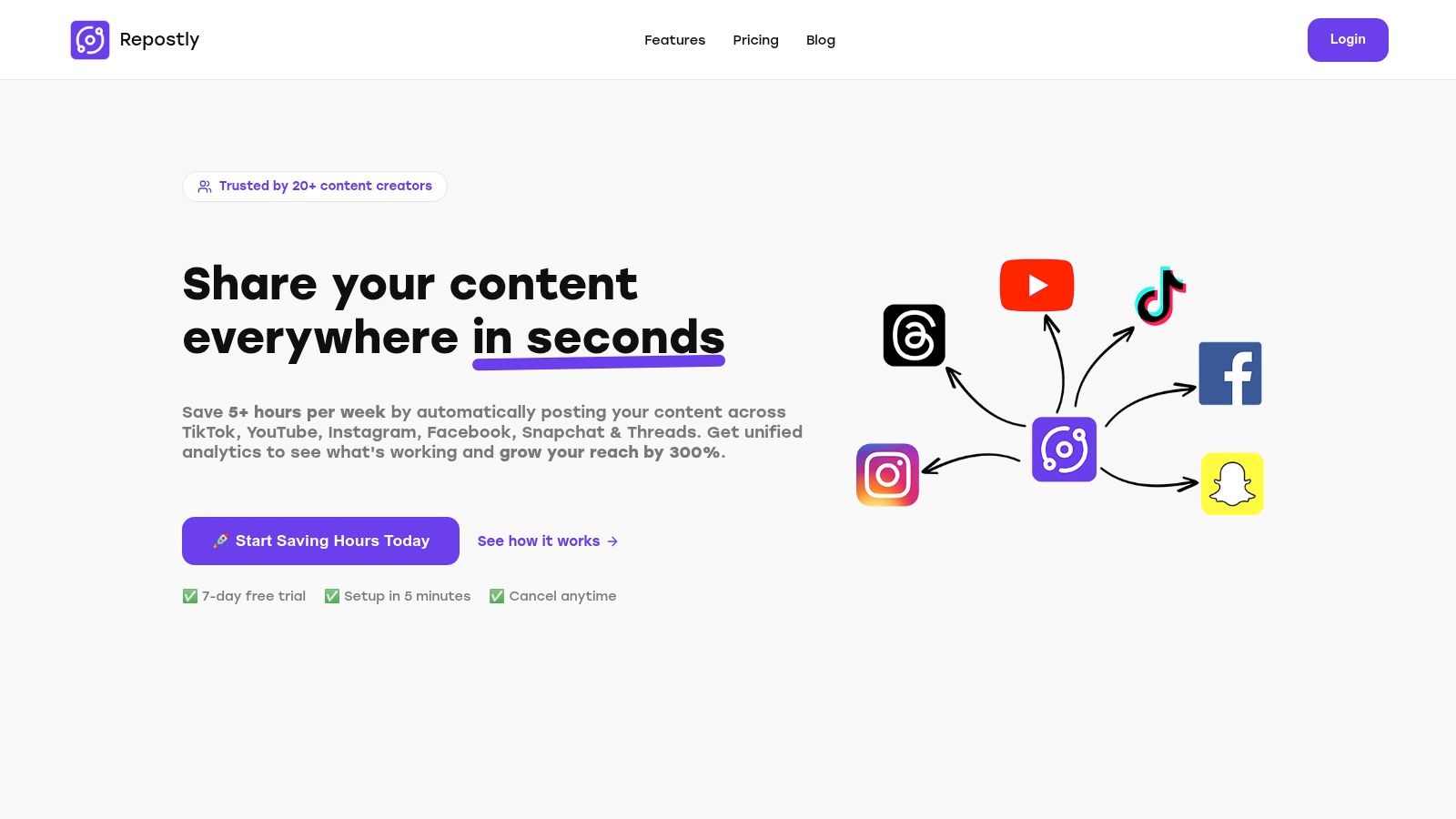
Repostly establishes itself as a powerful, creator-centric automation tool, securing its top spot for those serious about efficient, multi-platform content distribution. It's engineered to be far more than a simple scheduler; it’s a comprehensive workflow engine designed to reclaim hours of your time each week. Its primary strength lies in its "upload once, post everywhere" philosophy, making it one of the best free social media schedulers for users managing a presence on modern, video-first platforms.
The platform excels at simplifying the complex task of tailoring content for different social networks. For instance, a creator can upload a single high-resolution video and Repostly will automatically handle the cross-posting to TikTok, YouTube Shorts, and Instagram Reels. This eliminates the tedious, manual process of reformatting and re-uploading, a common bottleneck for video creators.
Key Features and Use Cases
What truly sets Repostly apart is its blend of broad platform support and deep analytics, a combination often reserved for enterprise-level tools.
- Robust Automation: Its core value is saving users an average of five hours weekly. You can build automated workflows that trigger posts across selected channels from a single piece of content, maintaining a consistent and active online presence without constant manual intervention.
- Unified Analytics Dashboard: Instead of logging into each social media app to check performance, Repostly consolidates all key metrics into one dashboard. This allows you to quickly compare engagement on Instagram versus TikTok and identify which content formats resonate best with your audience, enabling data-driven strategy adjustments.
- Broad Platform Support: It supports major modern networks including TikTok, YouTube, Instagram, Facebook, Snapchat, and even the newer Threads. This makes it an ideal central hub for influencers and brands targeting Gen Z and millennial audiences.
Practical Considerations
While Repostly offers a robust free experience through its 7-day trial, its full power is unlocked in the paid tiers. The free trial is an excellent way to evaluate its advanced automation and analytics before committing. The setup process is remarkably fast, taking less than five minutes to connect your profiles and schedule your first post.
Best for: Content creators, social media managers, and small businesses focused on scaling their presence across video-heavy platforms like TikTok, Instagram Reels, and YouTube Shorts.
- Website: https://repostly.app
2. Buffer
Buffer is a highly respected and long-standing player in the social media scheduling space, earning its spot as one of the best free social media schedulers due to its clean interface and reliability. It’s an excellent starting point for individuals and small businesses just beginning to automate their social media workflow.
The forever-free plan is straightforward. You can connect up to three social channels and schedule up to 10 posts per channel in advance. While this limit can feel restrictive for power users, it’s often sufficient for maintaining a consistent presence without feeling overwhelmed. The user experience is where Buffer truly shines; its dashboard is intuitive, making it incredibly easy to load your queue and let Buffer post at optimal times.
Key Features & Limitations
Buffer’s free offering is designed for simplicity and efficiency. It provides a solid foundation with a clear path to upgrade if your needs expand.
- Platform Support: Connect up to 3 channels (options include Instagram, Facebook, X (formerly Twitter), LinkedIn, TikTok, Pinterest, Mastodon).
- Scheduling Queue: Limited to 10 scheduled posts per channel at any given time.
- Core Tools: Includes a visual calendar, a landing page builder (start.page), and an AI assistant for brainstorming ideas.
- Integrations: Connects seamlessly with Canva, Unsplash, Dropbox, and Google Drive, streamlining content creation.
Our Take: Buffer is the ideal choice for those who value simplicity and a "set it and forget it" approach. The limited queue forces you to be strategic, making it perfect for users who plan their content weekly rather than months in advance.
The main drawback is the 10-post queue limit, which can be quickly filled. Analytics on the free plan are also basic, offering a 30-day history. However, the stable performance and excellent user interface make it a top contender. For more insights on its capabilities compared to others, you can learn more about social media scheduling tools and see where Buffer fits in.
Website: https://buffer.com
3. Metricool
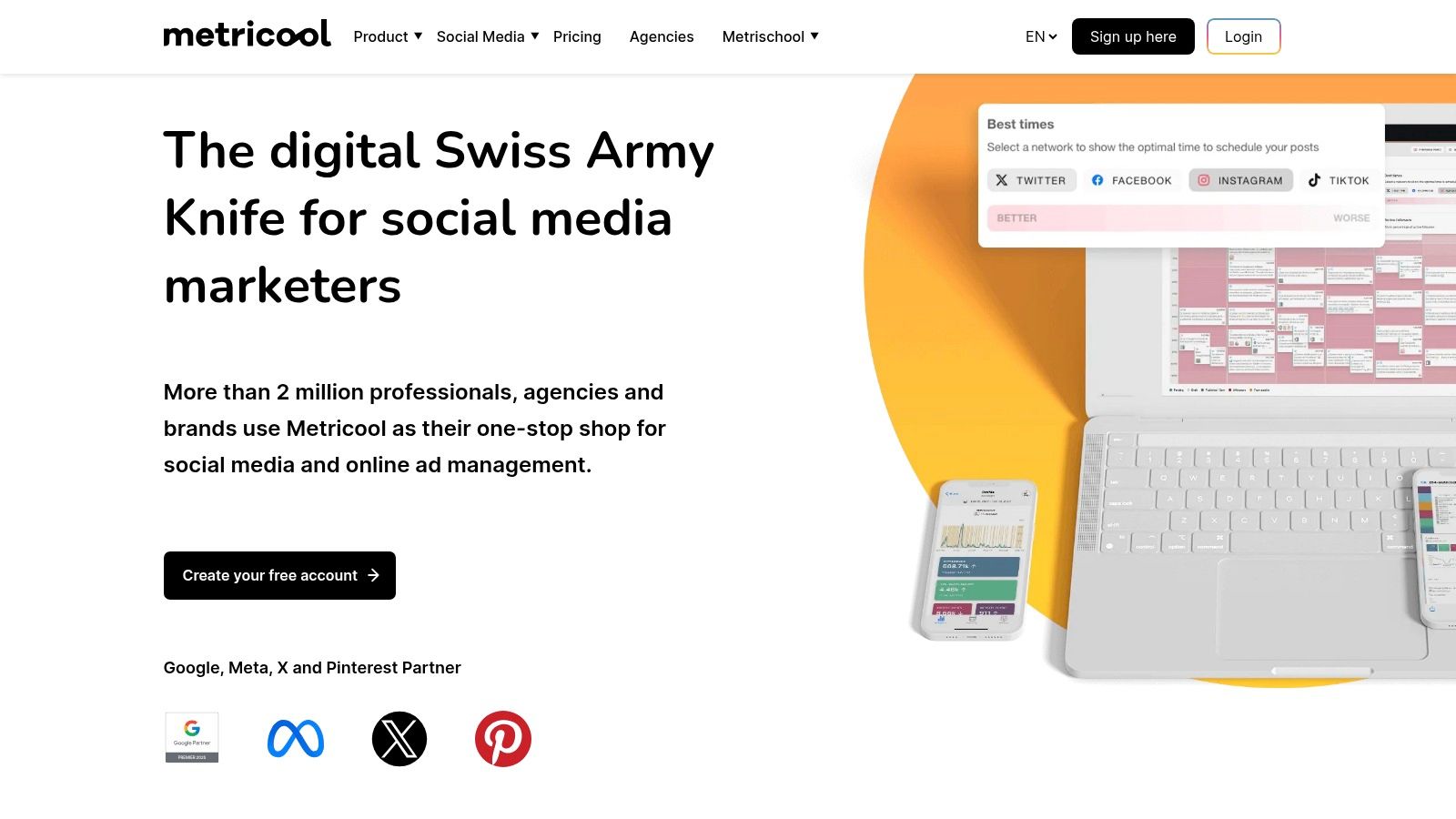
Metricool stands out as an all-in-one social media management tool, positioning itself as a powerful option among the best free social media schedulers for its blend of planning, analytics, and broad platform support. Its generous forever-free plan is specifically designed for a single brand, making it an excellent choice for solo entrepreneurs or small businesses focused on growing one online presence.
The platform consolidates numerous functions into a single dashboard, from scheduling content to tracking competitor performance. The free plan allows you to schedule up to 50 posts per month across a wide range of channels. Metricool’s visual planner and content calendar are highly intuitive, and it even offers support for emerging platforms like Threads and Bluesky, which is a rare find in a free tool.
Key Features & Limitations
Metricool’s free plan is robust, offering a taste of its powerful analytics and scheduling capabilities with a clear upgrade path for growing brands.
- Platform Support: Connect 1 profile per social network, including Instagram, Facebook, TikTok, YouTube, Pinterest, Twitch, Threads, and Bluesky.
- Scheduling Limit: Up to 50 scheduled posts per month across all connected profiles.
- Core Tools: Visual calendar, "best time to post" suggestions, a link-in-bio tool, and an AI assistant for content generation.
- Analytics: Provides a 3-month data history for your profiles and basic competitor tracking (up to 5 competitors).
Our Take: Metricool is the perfect free scheduler for the data-driven creator or business owner who wants analytics and scheduling in one place. Its 50-post limit is generous, and the inclusion of competitor tracking provides invaluable insights without a price tag.
The most significant limitation of the free tier is the exclusion of X (formerly Twitter) and LinkedIn connections, which are reserved for paid plans. While the analytics are useful, they are a simplified version of what the premium tiers offer. However, for a single brand looking for a comprehensive free solution, Metricool is hard to beat.
Website: https://metricool.com
4. Publer
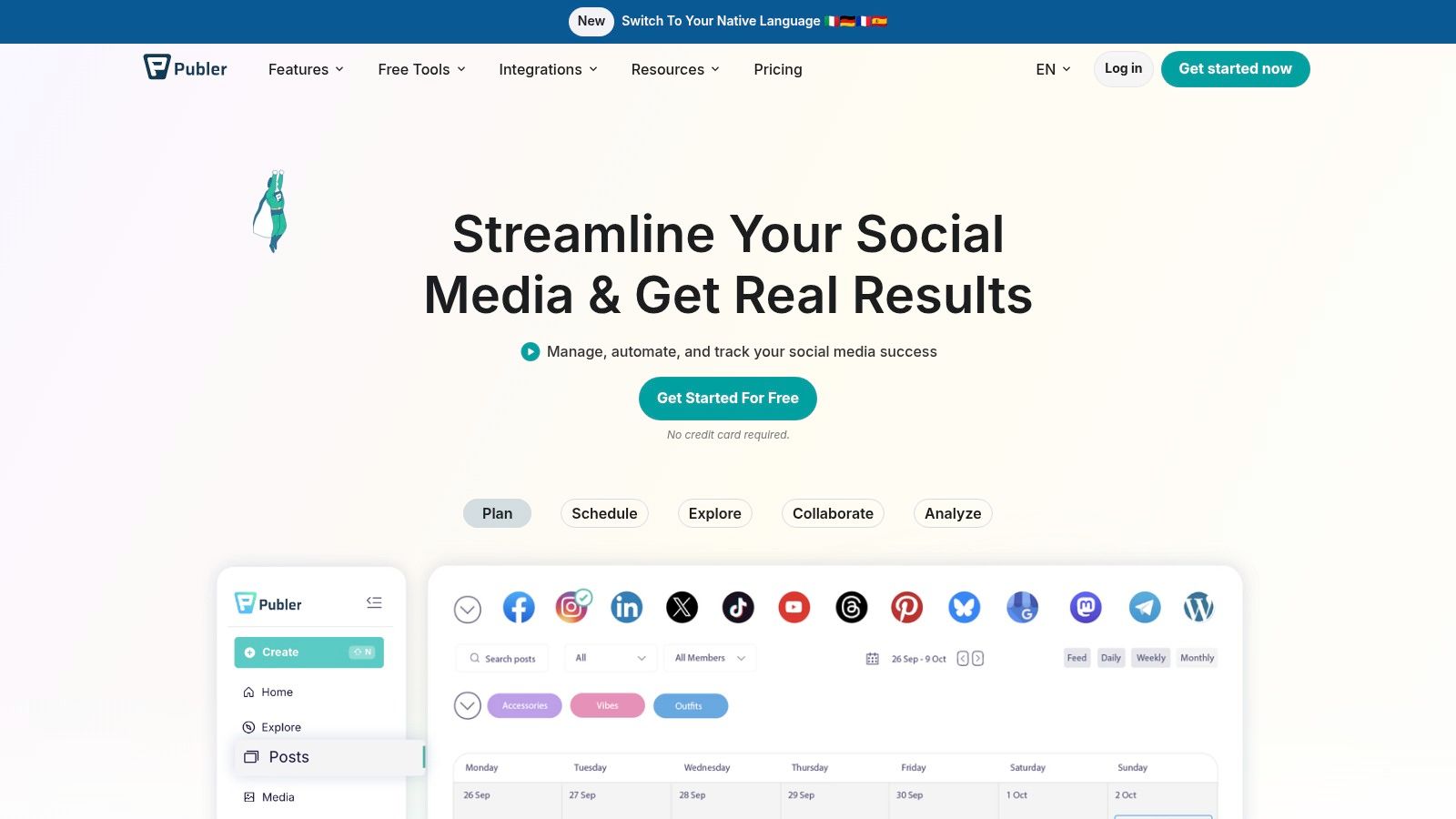
Publer is a flexible and feature-rich platform that stands out among the best free social media schedulers, particularly for users who appreciate thoughtful workflow enhancements. Its free plan is practical for individuals, creators, and micro-businesses looking to establish an organized social media presence without an initial investment.
What makes Publer compelling is its generosity with features often reserved for paid tiers. The interface is clean, and it includes powerful extras like a built-in photo editor, Canva integration, and link-in-bio tools right out of the box. This combination of usability and functionality makes managing social content feel streamlined and efficient.
Key Features & Limitations
Publer’s free plan is designed to give a substantial taste of its capabilities, encouraging users to grow with the platform. It even allows you to try certain paid features a few times before committing.
- Platform Support: Connect up to 3 social accounts (Facebook, Instagram, LinkedIn, Pinterest, TikTok, etc., but X/Twitter requires a paid plan).
- Scheduling Queue: Allows 10 scheduled posts per account at any given time, plus up to 25 saved drafts.
- Core Tools: Includes a visual calendar, a built-in photo editor, and robust link management with Bitly and UTM parameters.
- Integrations: Direct integration with Canva makes creating and scheduling visual content a seamless process.
Our Take: Publer is perfect for the detail-oriented user who wants more than just basic scheduling. Features like link shortening and the ability to organize content with drafts make it a powerful free tool for managing a budding social strategy.
The primary limitation is the exclusion of X/Twitter from the free plan, which is a key platform for many. Additionally, the 24-hour post history is quite restrictive for analyzing past performance. To better understand how it fits into the broader ecosystem, you can learn more about social media automation tools and see where Publer excels.
Website: https://publer.io
5. Planable
Planable is a content collaboration and approval platform first and a scheduler second, making it a unique entry on this list. It is designed for teams and agencies that require a seamless review process before anything goes live, and its free plan offers a full-featured taste of this professional workflow.
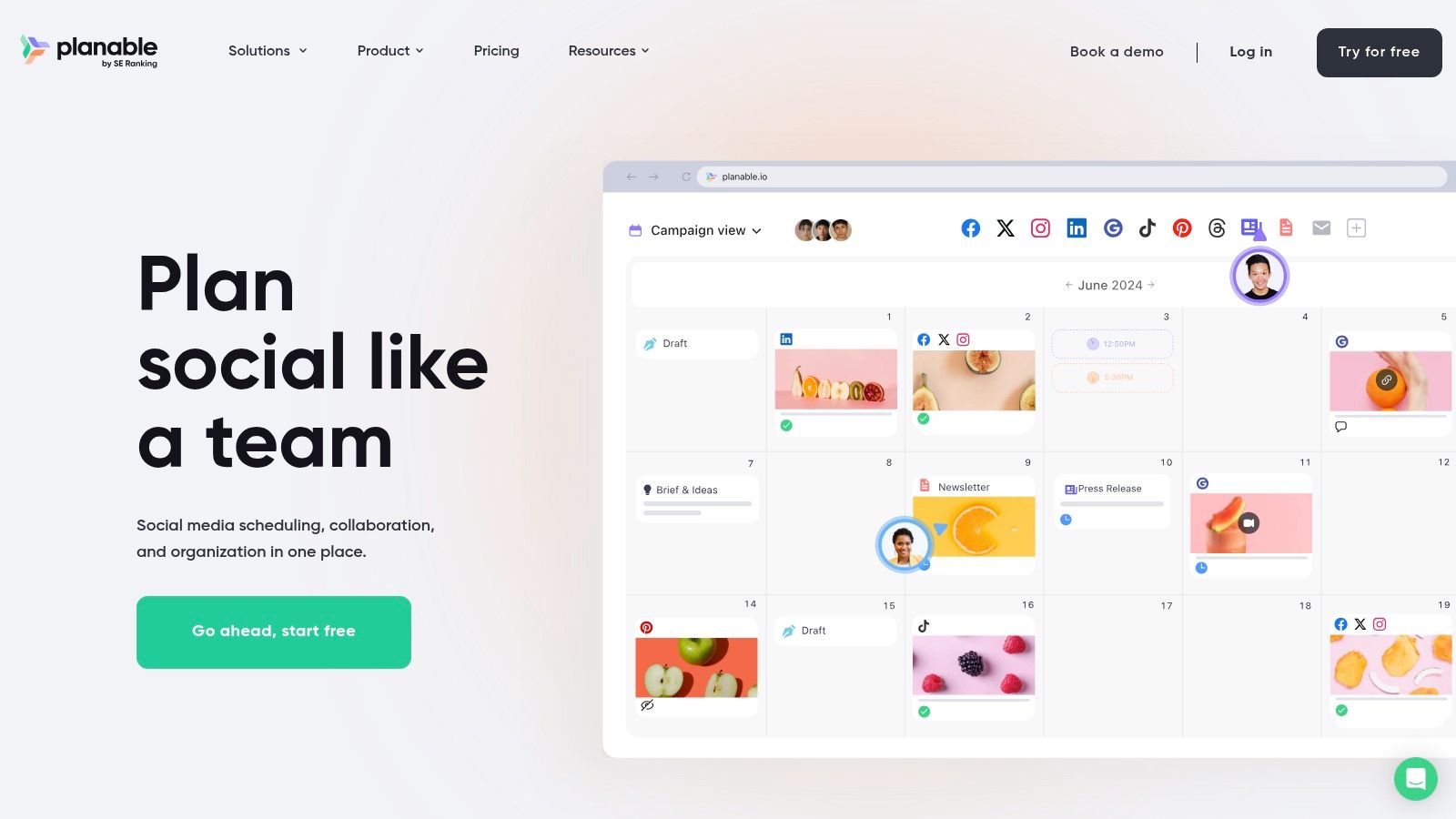
The free plan gives you access to almost all of Planable’s powerful features, but with one major catch: you are limited to a lifetime total of 50 posts. This makes it less of a long-term free tool and more of an extended, untimed free trial. It's perfect for testing out its robust collaboration tools, such as internal comments, version control, and multi-level approvals, before committing to a paid plan.
Key Features & Limitations
Planable’s free tier is an excellent way to experience an agency-grade workflow without any initial investment. It lets you test the entire content creation and approval cycle.
- Platform Support: Connect to Facebook, Instagram (including Reels & Stories), X (formerly Twitter), LinkedIn, Google My Business, YouTube, Pinterest, and TikTok.
- Scheduling Queue: Limited to 50 total posts for the lifetime of the account.
- Core Tools: Includes a content calendar with multiple views (feed, calendar, grid, list), mockups to preview posts, and powerful team collaboration and approval workflows.
- Unique Offering: The platform’s strength lies in its feedback system, allowing team members and clients to leave comments directly on post mockups.
Our Take: Planable is the best free option for teams wanting to test a professional, collaboration-centric workflow. The 50-post limit is a trial in disguise, but it's an incredibly generous one for seeing if the tool fits your team's needs.
The primary limitation is the hard 50-post cap, which prevents it from being a sustainable free solution for ongoing scheduling. However, for a specific project or for evaluating a new team process, it’s an unbeatable choice among free social media schedulers.
Website: https://planable.io
6. Vista Social
Vista Social positions itself as a modern, all-in-one social media management tool, and its free plan makes it one of the best free social media schedulers available. It goes beyond simple publishing, offering a suite of features typically reserved for paid tiers, making it a strong contender for those needing more than just basic scheduling.
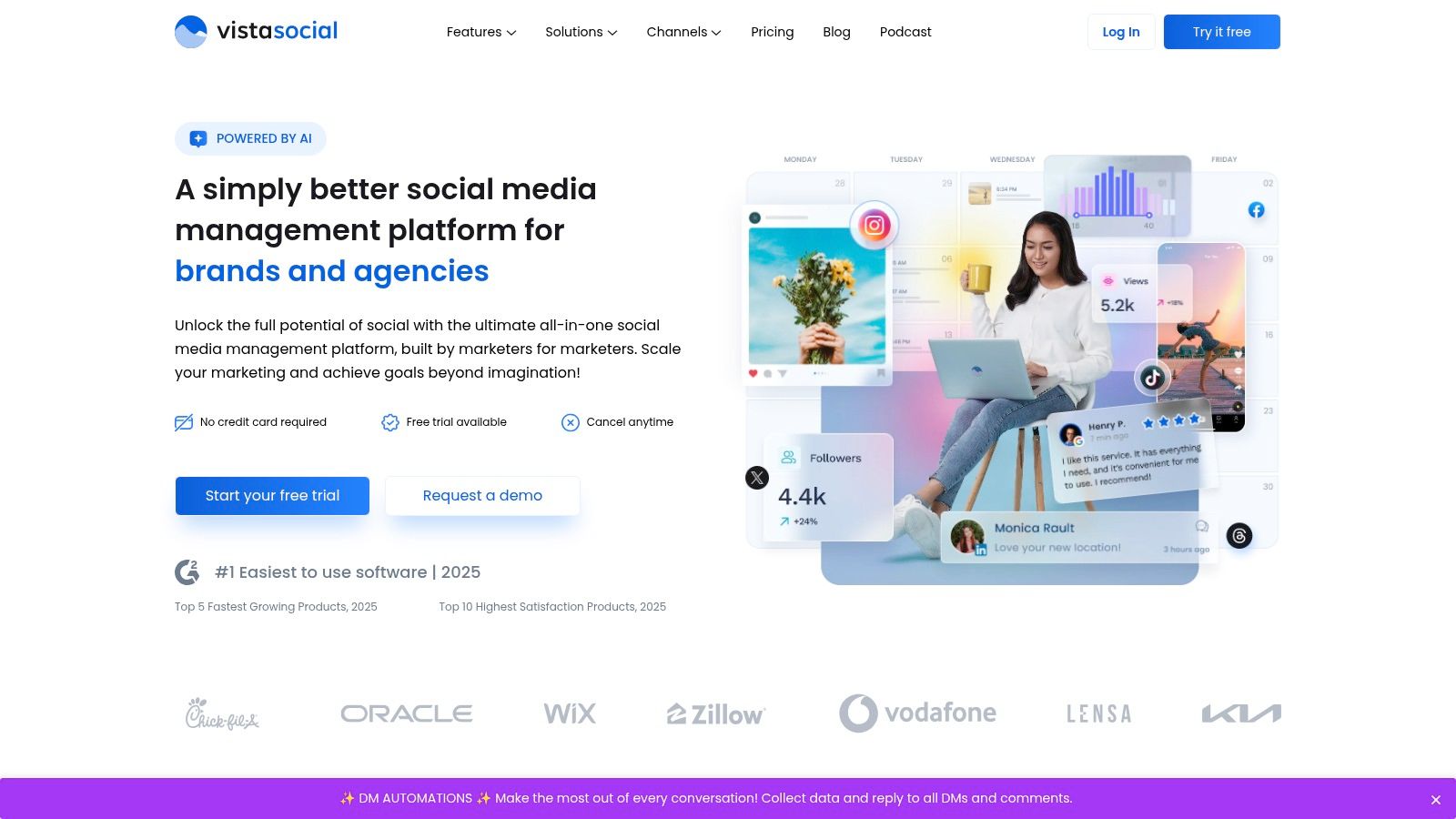
The free plan generously supports one user and three social profiles, with a cap of 15 scheduled posts per month. While the post limit is lower than some competitors, the platform's value comes from its additional features. The user interface is clean and well-organized, making it easy to navigate core functions like the publisher, calendar, and basic performance reports, providing a glimpse into the platform's full potential.
Key Features & Limitations
Vista Social's free offering provides a robust taste of its comprehensive management capabilities, setting it apart from more limited free tools.
- Platform Support: Connect up to 3 social profiles (includes Facebook, Instagram, X (formerly Twitter), LinkedIn, TikTok, Pinterest, and more).
- Scheduling Queue: Limited to 15 scheduled posts per month across all connected profiles.
- Core Tools: Includes a unified social inbox, a link-in-bio tool (Vista Page), content calendar, and basic reporting.
- Unique Offerings: Free plan includes access to a content library and user-generated content (UGC) features, which is rare for a free scheduler.
Our Take: Vista Social is an excellent choice for solo users or small businesses that want a feature-rich experience without an initial investment. Its inclusion of a social inbox and UGC tools on the free plan provides immense value for managing community engagement.
The main drawback is the low monthly post limit, which may not be enough for a high-frequency posting strategy. Advanced features like listening, in-depth analytics, and team workflows are reserved for paid plans. However, for those looking for a powerful, centralized hub to manage their social presence, Vista Social’s free tier is an outstanding starting point.
Website: https://vistasocial.com
7. Zoho Social
Zoho Social enters the list of best free social media schedulers by offering a surprisingly generous free plan that is perfect for businesses already invested in or considering the broader Zoho ecosystem. It provides a solid, no-frills scheduling solution that focuses on core functionality without asking for a credit card.
The free plan supports one brand and one team member, allowing you to manage a Facebook Page, Instagram Business Profile, LinkedIn profile or page, X profile, and Google Business Profile. What truly sets its free offering apart is the ability to publish an unlimited number of posts. This removes the major constraint found in many competitors, making it ideal for users who need a consistent, high-volume posting schedule without immediate access to advanced analytics or team features. The interface is clean and functional, prioritizing utility over modern aesthetics.
Key Features & Limitations
Zoho Social’s free plan is built for straightforward, unlimited publishing, making it a powerful tool for a single brand’s essential needs.
- Platform Support: Connect 7 channels for one brand (options include Facebook, Instagram, X (formerly Twitter), LinkedIn, and Google Business Profile).
- Scheduling Queue: Unlimited posts can be scheduled.
- Core Tools: Includes a publishing calendar, a content composer with a URL shortener (zShare), and access to a recent posts view.
- Integrations: Part of the large Zoho business suite, offering a seamless upgrade path to other marketing and CRM tools.
Our Take: Zoho Social is the best free option for users who prioritize unlimited posting over fancy features. If your primary goal is to schedule as much content as you want without hitting a paywall, this is the tool for you.
The main drawback is that advanced features like detailed reports, monitoring dashboards, and collaboration workflows are reserved for paid plans. While the interface is effective, it can feel a bit utilitarian compared to more design-focused competitors. However, its robust free offering and connection to a trusted business suite make it a highly practical choice.
Website: https://www.zoho.com/social
8. Meta Business Suite (Facebook + Instagram)
For businesses heavily invested in Facebook and Instagram, Meta Business Suite is the most powerful and integrated free social media scheduler available. As the official, native tool, it sidesteps many of the API limitations third-party apps face, offering direct and reliable scheduling for posts, Stories, and even Reels across both platforms.
The platform is designed to be an all-in-one command center for your Meta presence. It allows you to plan your content in a visual calendar, provides optimal posting time suggestions based on your audience's activity, and seamlessly integrates with your ad accounts. While it’s limited to the Meta ecosystem, its depth within those platforms is unmatched by other free tools, making it an essential resource for community managers focused on Facebook and Instagram engagement.
Key Features & Limitations
Meta Business Suite’s strength lies in its deep, native integration, offering robust features at no cost. It is an ideal solution for anyone whose social strategy is centered around Meta’s platforms.
- Platform Support: Natively supports Facebook Pages and Instagram business accounts.
- Scheduling Queue: Schedule posts up to 29 days in advance with no hard limit on the number of posts.
- Core Tools: Includes a content calendar, A/B testing for posts, file manager, and inbox management for comments and DMs.
- Analytics: Provides in-depth, native analytics for reach, engagement, and audience demographics, far surpassing what most free third-party tools can offer.
Our Take: If your core audience is on Facebook and Instagram, using Meta Business Suite is a no-brainer. The "Active Times" recommendations are incredibly accurate, and the ability to schedule Stories and manage your inbox in one place is a massive time-saver.
The primary drawback is its exclusivity; you cannot manage X, LinkedIn, or any other network, forcing you to use another tool for cross-platform strategies. The interface can also feel sluggish and occasionally buggy, but the trade-off for deep, native functionality is well worth it for dedicated Meta marketers.
Website: https://www.facebook.com/business/tools/meta-business-suite
9. Pinterest Native Scheduler
For users whose primary visual platform is Pinterest, looking for an external tool isn't always necessary. Pinterest’s built-in scheduler, available for all Business accounts, is a surprisingly effective and often overlooked free social media scheduler. It provides a direct, no-frills method to plan content without ever leaving the platform, ensuring your strategy remains fully compliant with Pinterest’s best practices.
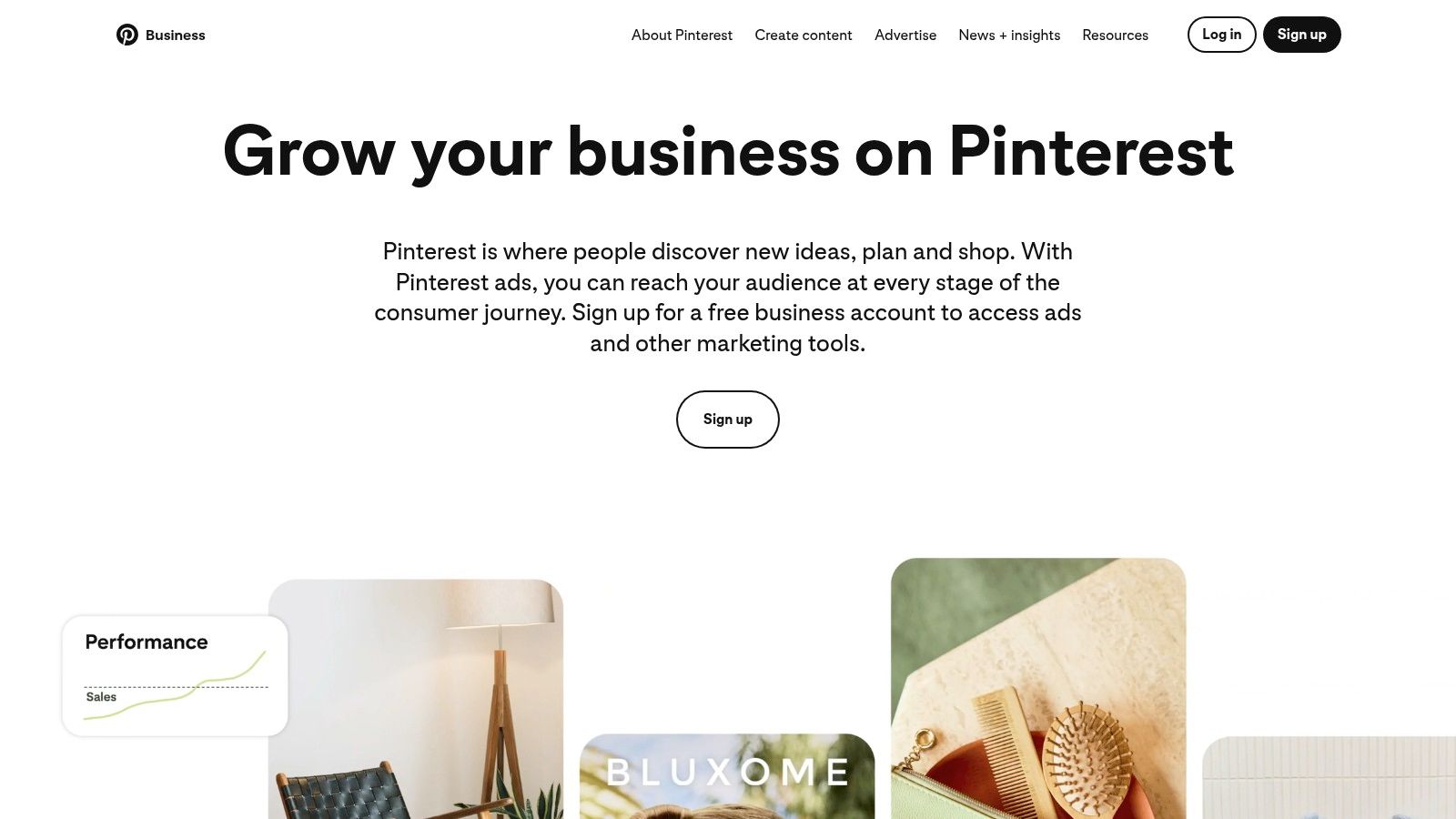
The native scheduler is ideal for creators and businesses who are deeply focused on this single platform. It allows you to schedule Standard Pins up to 30 days in advance, a sufficient window for most content calendars. The process is straightforward: create your Pin as usual, but instead of publishing immediately, you select the "Publish at a later date" option. This simplicity is its greatest strength, removing the need to learn a new interface or connect third-party apps.
Key Features & Limitations
Pinterest’s tool is built for directness and platform consistency. While it lacks the multi-platform capabilities of other schedulers, it excels at its core function.
- Platform Support: Pinterest only. You must have a free Business account to access the feature.
- Scheduling Window: You can schedule up to 10 Pins at a time, up to 30 days in the future.
- Core Tools: Allows for basic scheduling and the ability to edit metadata like Pin titles and descriptions after scheduling.
- Simplicity: Being a native feature, it guarantees perfect compatibility and leverages all of Pinterest’s current Pin formats and features.
Our Take: If Pinterest is the heart of your social media strategy, using its native scheduler is a no-brainer. It’s the most reliable and straightforward way to manage your Pins without the risk of API issues from third-party tools.
The primary limitation is its singular focus; it does nothing for your other social channels. The scheduling caps can also feel restrictive for power-pinner accounts that publish high volumes of content daily. However, for maintaining a consistent presence on a key visual discovery engine, it’s an excellent, cost-free solution.
Website: https://business.pinterest.com
10. TikTok Native Video Scheduler
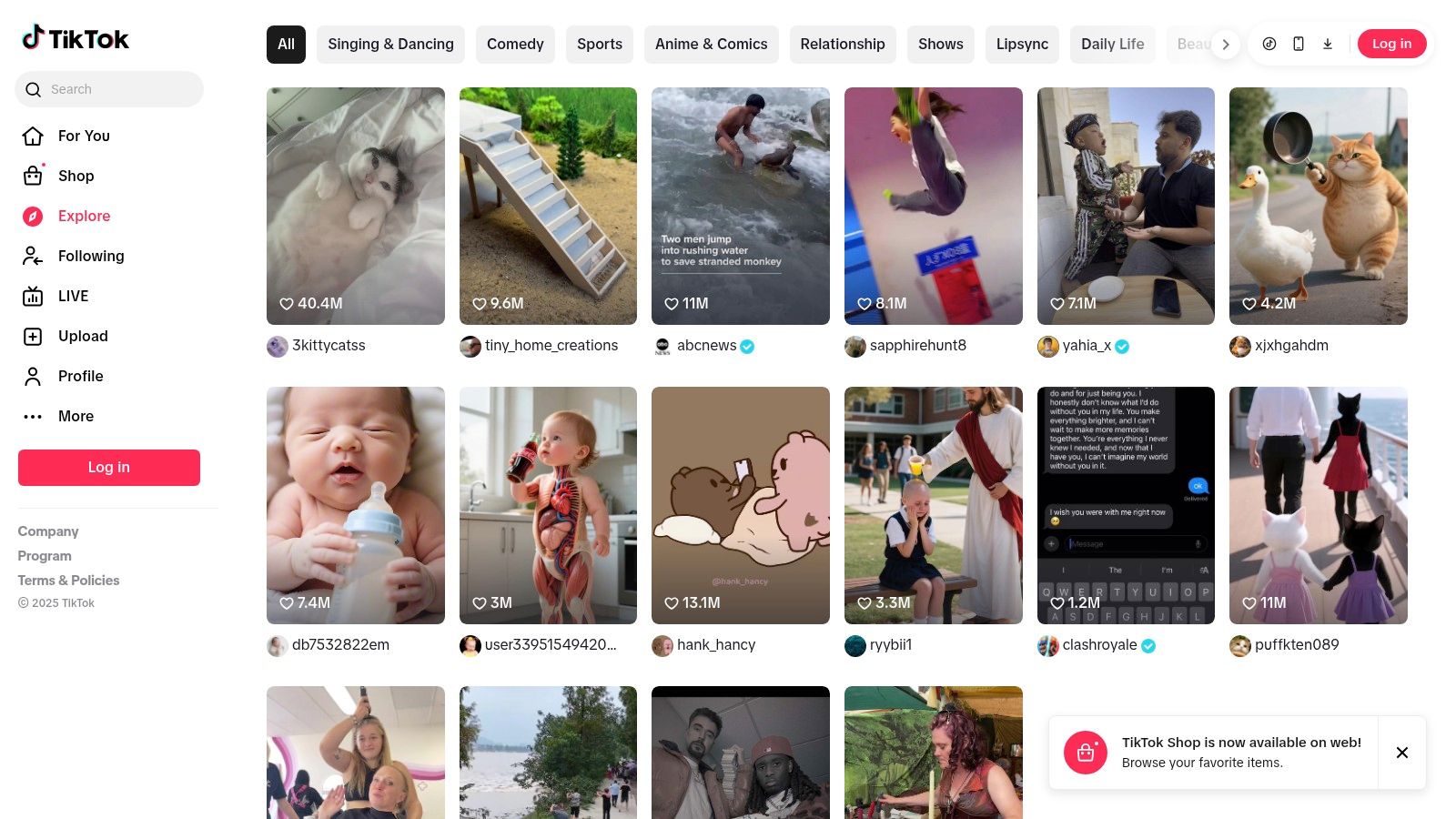
For creators heavily invested in the TikTok ecosystem, using the platform's own native scheduler is a logical and efficient choice. Available for all Creator and Business accounts via the desktop web browser, this tool offers a direct, no-frills method for planning video content, solidifying its place among the best free social media schedulers for TikTok specialists.
The process is integrated directly into the upload workflow on your computer. You can upload your finished video, add captions and hashtags, and then select a date and time up to 10-30 days in the future for it to go live. Because it's a native feature, you avoid third-party API limitations, ensuring your video uses any trending sounds or effects without potential restrictions.
Key Features & Limitations
TikTok's scheduler is built for one purpose: getting your videos queued up for posting without hassle. It prioritizes simplicity over complex features.
- Platform Support: Exclusively for TikTok.
- Scheduling Window: Schedule videos up to 10-30 days in advance (the exact window can vary).
- Core Tools: Direct desktop video upload, caption and hashtag fields, and basic privacy settings (public, friends, or private).
- Restrictions: Scheduled posts cannot be edited. To make a change, you must delete the scheduled video and re-upload it.
Our Take: This is the go-to tool for TikTok purists who create content in batches and want a reliable way to space out their posts. Its native integration is its biggest advantage, guaranteeing full access to all of TikTok's features.
The most significant limitation is that scheduling is only possible through a desktop browser, with no mobile scheduling option available. While using the tool, creators might also want to learn how to add voiceover to TikTok to make their pre-scheduled content more dynamic. For a complete walkthrough on using this feature, you can learn more about scheduling posts on TikTok and see if it meets your needs.
Website: https://www.tiktok.com
11. Tailwind
Tailwind is an indispensable tool for anyone serious about Pinterest and Instagram, carving out its niche as one of the best free social media schedulers for visual-first platforms. As an official partner of both Pinterest and Instagram, it offers specialized features designed to maximize reach and engagement on these networks, making it a powerful ally for creators, bloggers, and e-commerce brands.
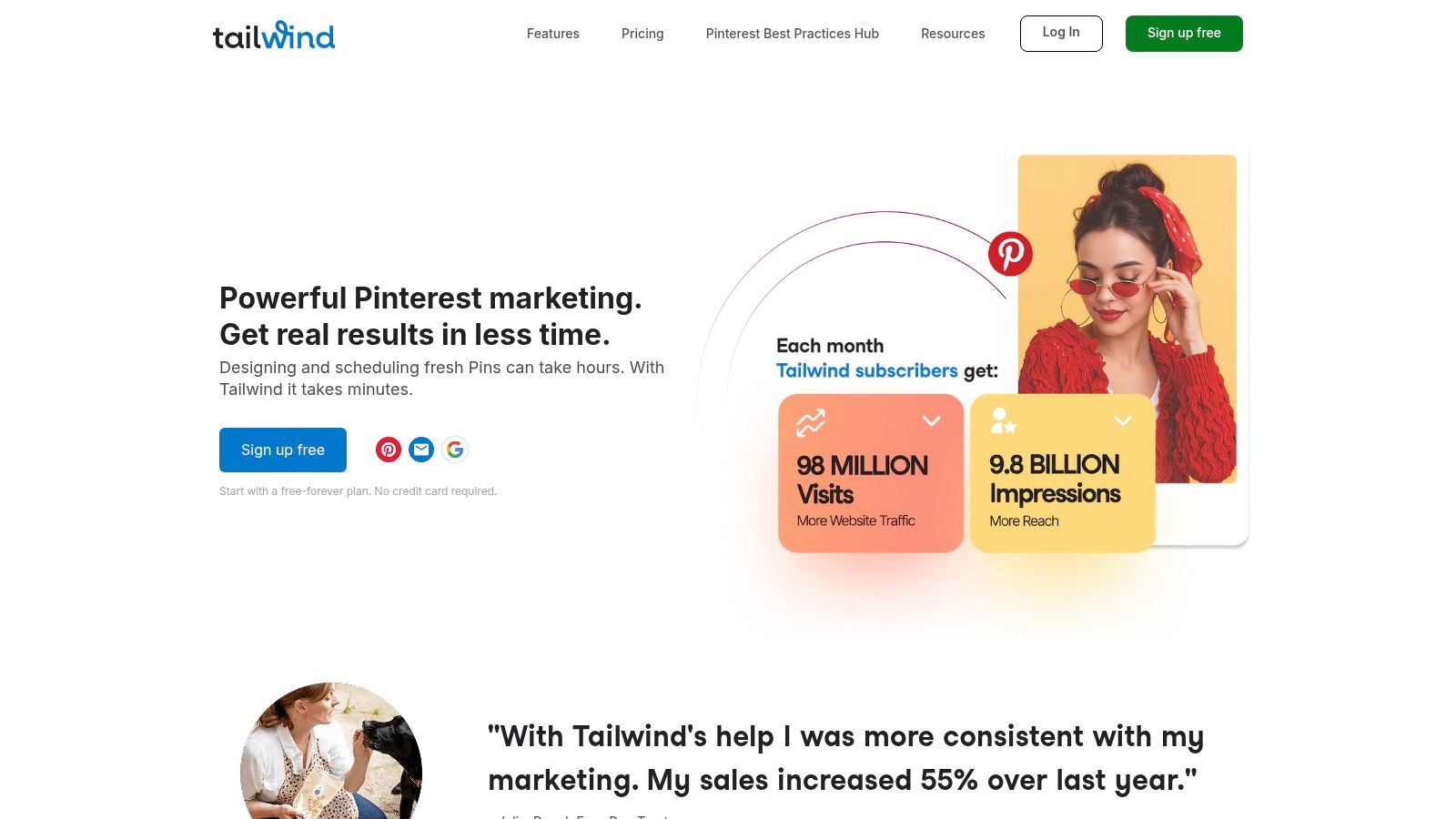
The free-forever plan is designed to give you a taste of its visual marketing power. It allows you to connect one profile from each platform (Pinterest, Instagram, and Facebook) and schedule up to 20 posts per month across all of them. What sets Tailwind apart is its SmartSchedule feature, which automatically picks the best times to post based on when your audience is most active, taking the guesswork out of timing.
Key Features & Limitations
Tailwind’s free plan is a gateway to its robust, visual-centric ecosystem, with a clear focus on Pinterest optimization and content creation.
- Platform Support: Connect 1 Pinterest profile, 1 Instagram profile, and 1 Facebook Page.
- Scheduling Queue: Limited to 20 posts per month (total across all profiles).
- Core Tools: Includes SmartSchedule for optimal posting times, a browser extension for easy pinning, basic analytics, and access to Tailwind Create for designing posts.
- Unique Features: Access to Tailwind Communities (formerly Tribes) to collaborate and share content with other creators in your niche.
Our Take: Tailwind is the go-to scheduler for Pinterest power users. Its deep integration and specialized features, like interval pinning and community sharing, are unmatched. The free plan is an excellent way to harness these tools on a smaller scale.
The primary limitation is the 20-post monthly cap, which can be restrictive for active accounts. Advanced analytics and unlimited scheduling are reserved for paid tiers. However, for those focusing heavily on visual marketing, Tailwind's free offering provides unique value that other generic schedulers simply cannot match.
Website: https://www.tailwindapp.com
12. G2 - Best Free Social Media Management Tools Category
Unlike the other entries on this list, G2 isn't a scheduler itself but an invaluable resource for finding one. It's a leading software marketplace where you can discover and compare dozens of the best free social media schedulers, all filtered and ranked based on verified user reviews. This meta-approach earns it a spot for anyone overwhelmed by options and seeking unbiased, crowd-sourced insights.
G2 allows you to filter the social media management category specifically for tools that offer a free plan, instantly creating a custom-built listicle. You can then compare platforms side-by-side, read in-depth reviews from real users, and get a clear picture of a tool’s strengths and weaknesses before you even sign up. It’s an essential first step for strategic decision-making.
Key Features & Limitations
G2’s power lies in its aggregation and user-driven data, helping you look beyond marketing claims to find a tool that truly fits your needs.
- Free Plan Filtering: Easily isolate only the tools that offer a forever-free plan, saving you time and effort.
- Verified Reviews: Access thousands of reviews from authenticated users detailing their experiences.
- Side-by-Side Comparison: Compare up to four tools at once across features, pricing, and user satisfaction ratings.
- Up-to-Date Catalog: The listings are regularly updated, ensuring you’re seeing the most current software available.
Our Take: G2 is the ultimate research hub. Instead of relying on a single listicle, you can build your own comparison based on what matters most to you. It's perfect for users who want to do their due diligence and find a hidden gem that might not make it onto every "top 10" list.
The main drawback is that you still need to visit the individual product sites to verify features, as some listings can be sponsored or slightly outdated. If you're specifically evaluating alternatives or looking for broader perspectives, you can also explore a direct comparison with G2 for additional context.
Website: https://www.g2.com/categories/social-media-mgmt/free
Feature Comparison of 12 Free Social Media Schedulers
| Platform | Core Features & Automation | User Experience & Quality ★ | Value & Pricing 💰 | Target Audience 👥 | Unique Selling Points ✨ |
|---|---|---|---|---|---|
| 🏆 Repostly | Multi-platform scheduling, automated workflows, cross-posting | ★★★★★ Unified analytics & easy setup | Flexible plans (Starter to Expert), scalable profiles | Creators, SMBs, marketers managing multiple profiles | Saves 5+ hrs/wk, boosts reach 300%, quick setup |
| Buffer | Multi-network scheduler, visual calendar, integrations | ★★★★ Stable UI, good third-party | Free forever with upgrade options | Individuals, small teams | Simple, clear pricing, browser/mobile apps |
| Metricool | Planning, scheduling, 3-month analytics, AI assistant | ★★★★ Broad channel support | Generous free tier, limited paid options | Single brands, agencies | Includes Threads, Bluesky, competitor tracking |
| Publer | Link-in-bio, photo editor, Canva integration | ★★★★ Clean interface, scheduling extras | Free tier with paid upgrades | Light personal use, micro-businesses | Try paid features without payment upfront |
| Planable | Content collaboration, approvals, multi-view calendar | ★★★★ Agency-focused collaboration | Free plan with 50 posts lifetime cap | Agencies, teams | Workflow and versioning, client approvals |
| Vista Social | Publishing, inbox, listening, reviews | ★★★★ Strong usability & value | Free tier limited, paid adds multi-user | Growing teams, social marketers | All-in-one platform with listening/reviews |
| Zoho Social | Multi-channel publishing, unlimited free posting | ★★★★ Part of Zoho suite | Unlimited free posting, paid advanced | Small businesses, Zoho ecosystem users | Trusted suite, no credit card needed free |
| Meta Business Suite | Native FB & IG scheduling, activity recommendations | ★★★★ Free & native | 100% free | Facebook & Instagram business accounts | Native support, ad account integration |
| Pinterest Native Scheduler | Schedule Pins natively, edit metadata | ★★★ Simple & compliant | Free with limits | Pinterest business users | Native Pinterest scheduling |
| TikTok Native Scheduler | Desktop scheduling, limited editing | ★★★★ Free & native | Free | TikTok Creator & Business accounts | Official TikTok scheduler, native posting |
| Tailwind | Visual content scheduling, SmartSchedule | ★★★★ Pinterest partnership | Limited free posts, paid upgrades | Visual marketers, Pinterest-focused users | Bulk scheduling, community features |
| G2 - Social Media Tools | Free/paid tool filtering, reviews | N/A | Free to browse | All users researching social media tools | Verified reviews, extensive comparisons |
Choosing Your Perfect Scheduler: A Final Checklist
We've explored a wide range of the best free social media schedulers, from robust, all-in-one platforms like Vista Social and Zoho Social to specialized, native tools for TikTok and Pinterest. The journey to finding your perfect fit isn't about picking the tool with the most features; it's about identifying the one that solves your specific problems and removes friction from your workflow.
The right scheduler acts as your digital assistant, freeing up valuable time and mental energy. It allows you to shift from a reactive posting frenzy to a proactive, strategic approach. By batch-creating and scheduling your content, you guarantee a consistent presence across your key platforms, which is the bedrock of building an engaged online community and a strong brand voice.
Recapping Your Top Contenders
Let's quickly revisit the core strengths of the top tools we've covered to help you narrow down your choices.
- For the All-Arounder: If you need a balanced mix of scheduling, a user-friendly interface, and decent analytics for a few key platforms, Buffer and Metricool are excellent starting points. They are industry staples for a reason, providing a reliable and intuitive experience for small businesses and solo creators.
- For Maximum Free Posts: If your primary concern is the sheer volume of scheduled content without hitting a paywall, Zoho Social stands out. Its generous free plan for a single brand is unparalleled, making it a powerful choice for businesses with an ambitious content calendar.
- For Visual-First Creators: If your strategy is heavily centered on Instagram, TikTok, and Pinterest, tools like Repostly and Tailwind are designed with your visual-first needs in mind. Their focus on these platforms often means more specialized features that generic schedulers lack.
- For Teams and Collaboration: When your workflow involves multiple stakeholders, approvals, and feedback, Planable is in a league of its own. Its unique "workspace" model is built to streamline the review process, making it ideal for agencies and marketing teams.
Your Final Decision-Making Checklist
Before you create an account and dive in, take a moment to run through this final checklist. Answering these questions honestly will guide you directly to the best free social media scheduler for your unique situation.
- Platform Priority: Which 2-3 social media channels are absolutely essential to your growth right now? Don't get distracted by a tool that supports ten platforms if you only use three. Focus on finding a scheduler that excels at the ones that matter most to you.
- Content Volume vs. Content Type: Are you publishing a high volume of simple text-and-image posts, or a lower volume of complex content like multi-clip Reels, Carousels, and Stories? Some tools handle simple posts effortlessly but struggle with more advanced formats.
- Analytics: Need-to-Have or Nice-to-Have? Is a basic "likes and comments" count enough, or do you need deeper insights into reach, engagement rates, and best-performing times? The quality of analytics varies significantly between free plans.
- The Growth Test: Look at the paid plans of your top 2-3 choices. If you were to grow your business or social presence in the next six months, which tool offers an upgrade path that feels both affordable and valuable? Choosing a tool with a logical next step saves you the headache of migrating platforms later.
Ultimately, the goal is progress, not perfection. The best free social media scheduler is the one you will actually use consistently. Start simple, test a tool for a week, and see how it fits into your routine. Automating your social media is a powerful step toward reclaiming your time and focusing on what truly matters: creating amazing content and connecting with your audience.
Ready to simplify your social media and focus on visual-first platforms like Instagram and TikTok? Repostly offers a clean, intuitive scheduler designed to make your content shine without the clutter of overly complex features. Get started for free and see how easy content automation can be at Repostly.
Keep reading

10 Fresh Instagram Story Idea Tactics for 2025
Stuck for content? Discover our top Instagram story idea list, with actionable tips to boost engagement and grow your audience in 2025.

A Practical Social Media Planner for German Markets
Build a results-driven social media planner for Germany. This guide offers actionable strategies for content, scheduling, and analysis in the German market.

Crafting Your Social Media Content Plan
Stop guessing and start strategizing. This guide provides an actionable social media content plan to audit, plan, and execute content that gets results.
Post once. Show up everywhere.
Start your 7-day free trial and publish your next video to every platform in minutes.Pick a plan and publish your next video to every platform in minutes.
Start your free trialSee plansCancel anytime