12 Best Social Media Scheduling Tools for 2025
Discover the 12 best social media scheduling tools to save time and boost engagement. We compare features, pricing, and pros/cons to find your perfect fit.
Trying to manage multiple social media accounts can feel like a full-time job. Between creating content, engaging with followers, and analyzing performance, finding the time to post consistently across every platform is a major challenge. This is where social media scheduling tools become essential. They automate the posting process, freeing you up to focus on strategy and growth rather than manual, repetitive tasks.
This guide is designed to help you find the best social media scheduling tools for your specific needs, whether you're a solo creator, a small business owner, or part of a large marketing team. We'll move beyond generic feature lists and provide a detailed breakdown of what makes each platform stand out. You’ll find an honest assessment of their strengths and weaknesses, ideal use cases, and practical implementation advice.
Before exploring the tools themselves, it's helpful to have a solid strategy. Understanding the foundational principles will ensure you get the most out of any platform you choose. For a deeper dive into strategy, check out these tips for effectively scheduling social media posts to maximize your impact.
In the following sections, we will explore twelve leading platforms, complete with screenshots and direct links, to give you a clear, comprehensive overview. Our goal is simple: to provide all the information you need to make an informed decision and select the perfect tool to streamline your social media workflow. Let’s get started.
1. Repostly
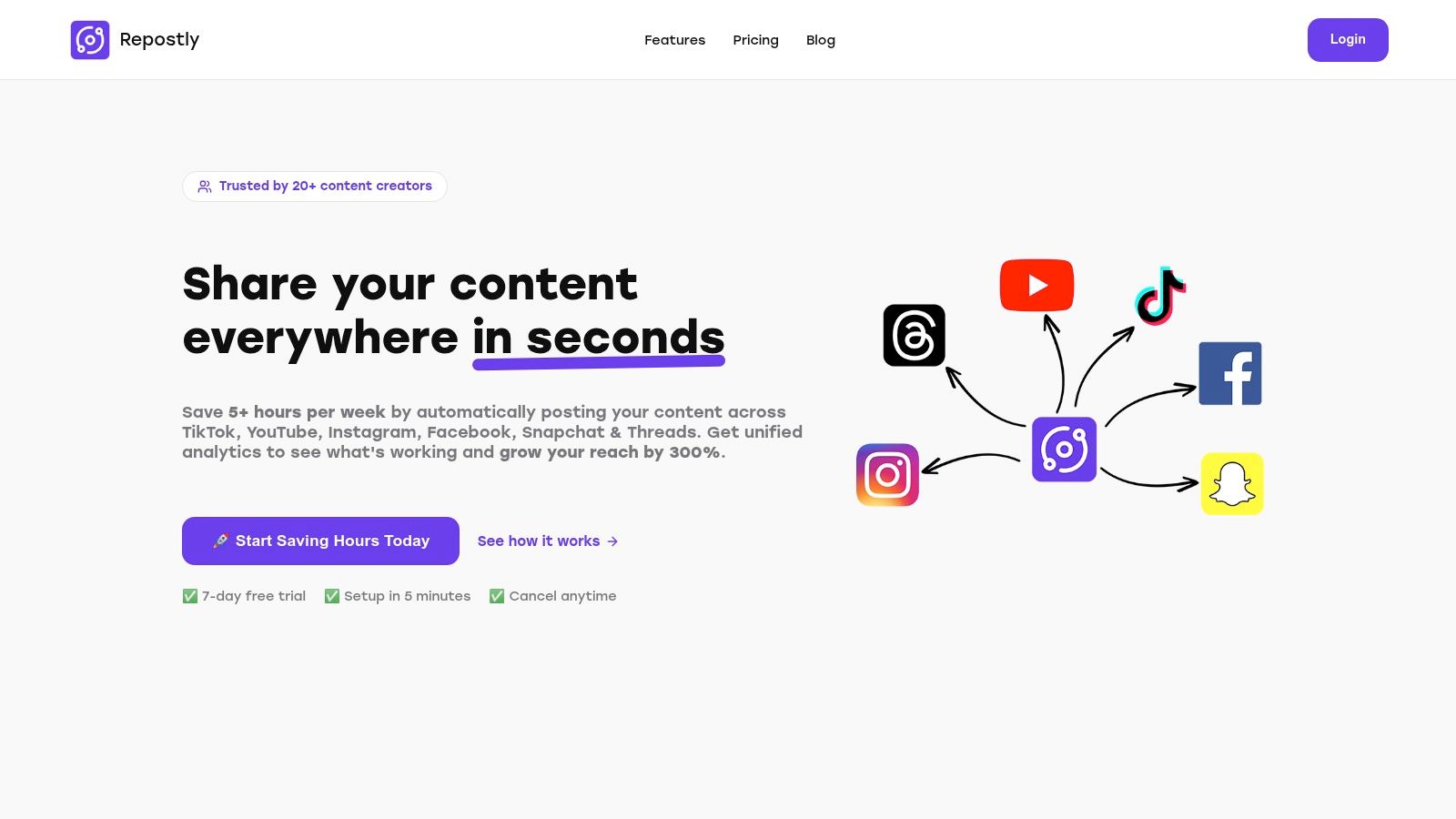
Repostly establishes itself as one of the best social media scheduling tools by focusing on a core pain point for modern creators: efficient, multi-platform content distribution. Its standout feature is the ability to automate cross-posting across six major platforms, including TikTok, Instagram, and YouTube, from a single video upload. This "upload once, post everywhere" model is a significant time-saver, designed to reclaim over five hours of manual work per week.
Unlike tools that simply schedule posts, Repostly builds intelligent workflows. This allows users to set up automated sequences that distribute content seamlessly across their social ecosystem, freeing them to concentrate on strategy and creation rather than repetitive administrative tasks.
Key Features & User Experience
Repostly’s unified analytics dashboard is a central hub for performance tracking, providing clear insights into views, likes, comments, and follower growth. This empowers users to identify optimal posting times and refine their content strategy based on hard data, not guesswork. The platform reports an average reach increase of 300% for users within their first month, showcasing its effectiveness.
The user interface is engineered for speed and simplicity. With a setup process that takes under five minutes and a clean dashboard, even those new to social media automation can get started quickly.
- Best For: Content creators, small businesses, and social media managers focused on maximizing reach with minimal manual effort.
- Pricing: Flexible plans start at $5.33/month. A 7-day free trial is available, and all plans can be canceled anytime.
- Pros: Drastically reduces time spent on posting, offers actionable unified analytics, and provides an easy-to-use interface.
- Cons: Lacks integration with niche platforms; unlimited account management is reserved for the top-tier plan.
2. Hootsuite
Hootsuite is one of the most established and best social media scheduling tools, evolving into a full-fledged management suite ideal for larger teams and enterprises. Beyond simple scheduling, it provides a centralized dashboard for managing multiple social profiles, engaging with audiences, and analyzing performance across platforms. Its strength lies in governance and team collaboration, making it a go-to for agencies.
What truly sets Hootsuite apart are its enterprise-grade features. The platform offers sophisticated team management with custom permission levels and approval workflows, ensuring brand consistency. Its powerful analytics and Talkwalker-powered social listening add-ons provide deep competitive and industry insights that go far beyond basic post metrics.
Key Features and Pricing
Hootsuite's integrated features streamline complex social media strategies. The unified social inbox is a standout, allowing teams to manage comments and messages from all connected accounts in one place.
- Best for: Agencies and marketing teams managing multiple brands.
- Standout Feature: Advanced team collaboration with approval workflows.
- Pricing: Plans start at $99/month, with custom pricing for enterprise solutions. A 30-day free trial is available.
Pros & Cons
| Pros | Cons |
|---|---|
| Scales well for large, multi-profile teams | Higher price point for small businesses |
| Deep analytics and reporting options | Can have a steep learning curve |
| Extensive integration ecosystem | Some advanced features are expensive add-ons |
For those looking to explore more advanced automation capabilities, you can find a deeper dive into tools like Hootsuite on repostly.app.
Website: https://www.hootsuite.com
3. Buffer
Buffer is celebrated as one of the best social media scheduling tools for its clean interface and straightforward approach to content planning. It excels in simplicity, making it an ideal starting point for solo creators and small businesses looking to organize their social media presence without a steep learning curve. The platform focuses on core scheduling and analytics, stripping away complexities to deliver an intuitive user experience.
What truly sets Buffer apart is its transparent and flexible pricing model. Instead of bundling features into expensive tiers, Buffer allows users to pay per social channel. This modular approach provides excellent cost control, ensuring you only pay for what you actually need. Its built-in AI assistant and hashtag manager further streamline content creation, helping users optimize posts directly within the scheduling workflow.
Key Features and Pricing
Buffer's feature set is designed for efficiency and ease of use. The platform offers a generous free plan and paid tiers that add powerful tools like an engagement inbox and advanced analytics to help users grow their audience.
- Best for: Solo marketers, small businesses, and creators needing a simple, budget-friendly scheduler.
- Standout Feature: Flexible, per-channel pricing that scales with your needs.
- Pricing: A free plan is available for up to 3 channels. Paid plans start at $6/month per channel, with team plans offering more features.
Pros & Cons
| Pros | Cons |
|---|---|
| Very easy to learn and deploy | Advanced reporting and approvals only on paid tiers |
| Modular, per-channel pricing helps control costs | Fewer built-in listening features than enterprise suites |
| Generous free plan for beginners | Limited features on the entry-level plans |
Website: https://buffer.com
4. Sprout Social
Sprout Social is an enterprise-grade platform that positions itself among the best social media scheduling tools by combining publishing, analytics, and engagement into a single, polished interface. It is designed for organizations that need powerful, data-rich reporting and seamless team collaboration, making it ideal for businesses focused on turning social data into actionable insights and demonstrating ROI.
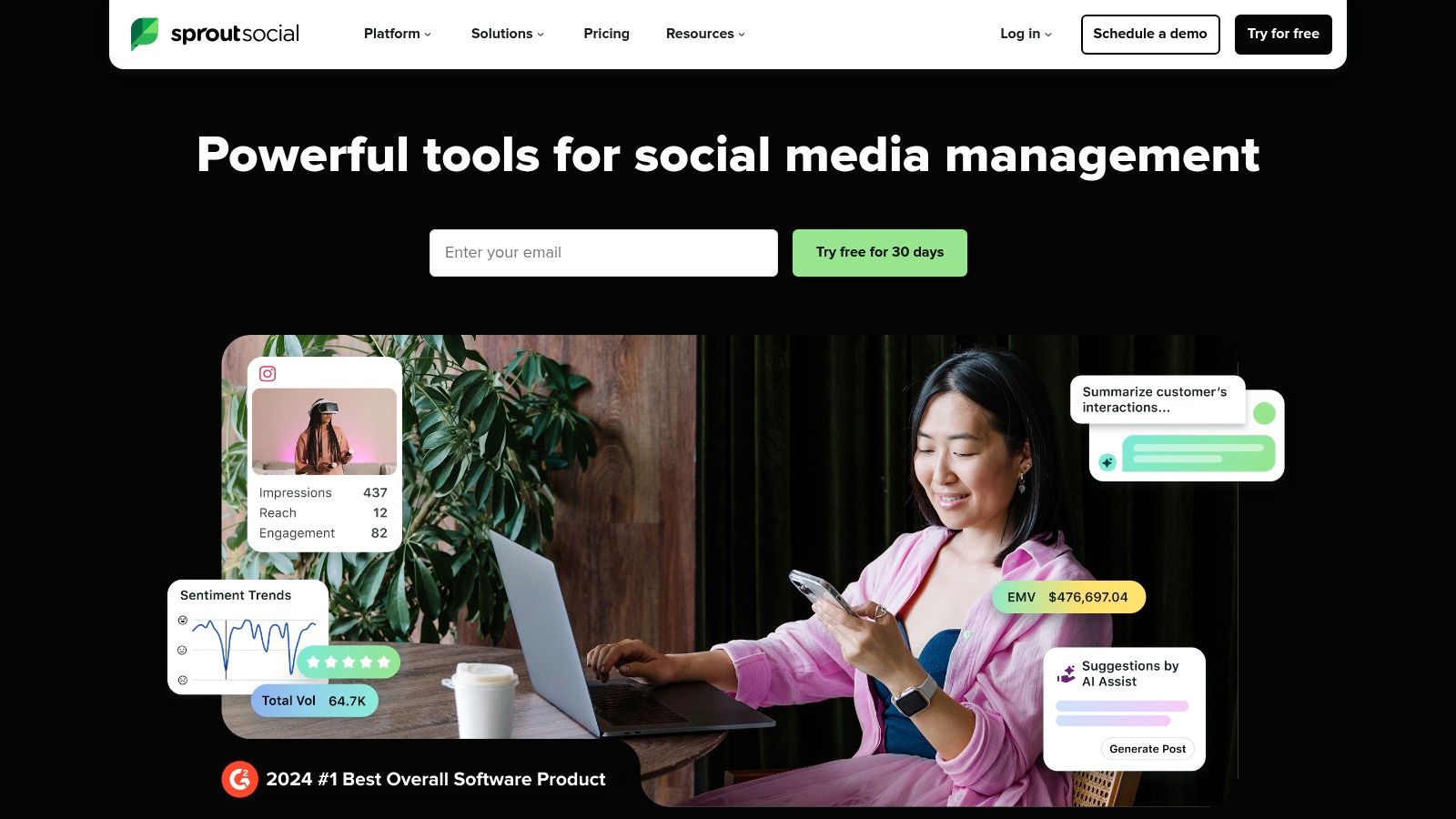
What truly differentiates Sprout Social is its emphasis on analytics and customer care. The platform provides some of the most comprehensive and visually appealing reports in the industry, perfect for stakeholder presentations. Its unified Smart Inbox streamlines engagement by consolidating messages from all platforms, while features like review management and AI-powered tools help teams respond faster and more effectively.
Key Features and Pricing
Sprout Social excels at providing tools that support large-scale operations, from content approvals to competitive analysis. The platform's scheduling features are enhanced by its ViralPost technology, which analyzes audience engagement patterns to suggest optimal send times.
- Best for: Mid-to-large businesses and agencies requiring deep analytics and robust CRM features.
- Standout Feature: Best-in-class analytics and stakeholder-ready reports.
- Pricing: Plans start at $249/month per user, with custom pricing for enterprise needs. A 30-day free trial is available.
Pros & Cons
| Pros | Cons |
|---|---|
| Superior analytics and reporting capabilities | Per-seat pricing can become costly |
| Scales effectively for multi-team operations | May be too complex for very small teams |
| Excellent unified social inbox for engagement | Premium features are on higher-tier plans |
Website: https://sproutsocial.com
5. Later
Later began as an Instagram-first tool and has since evolved into a powerful, visually-driven platform among the best social media scheduling tools. It excels at helping creators and brands plan and schedule content for visual platforms like Instagram, TikTok, and Pinterest. Its core strength is its intuitive visual calendar, which allows users to see a grid preview of their Instagram feed before posting, ensuring a cohesive aesthetic.
What truly sets Later apart is its focus on the creator economy. Features like the Link in Bio tool, product tagging for e-commerce, and brand collaboration tools are built directly into the workflow. The recent inclusion of an AI Content Assistant helps users generate captions and ideas, making content creation more efficient for individuals and small teams.
Key Features and Pricing
Later’s feature set is designed for a seamless visual planning experience, from content ideation to publication. The platform supports Instagram, Facebook, TikTok, YouTube, LinkedIn, and Pinterest, offering a comprehensive solution for visually-focused strategies.
- Best for: Creators, e-commerce brands, and SMBs focused on visual platforms.
- Standout Feature: The Visual Planner for previewing Instagram feeds before publishing.
- Pricing: A free plan is available. Paid plans start at $25/month, with a 14-day free trial on paid tiers.
Pros & Cons
| Pros | Cons |
|---|---|
| Strong for visual-first workflows | Starter plan has limits on scheduled posts/profile |
| Scales from solo users to multi-user teams | Some advanced features require higher-tier plans |
For a more in-depth guide on handling multiple accounts, you can learn more about how tools like Later help manage multiple social media accounts.
Website: https://later.com
6. Zoho Social
Zoho Social is a cost-effective social media scheduling tool that shines for businesses already invested in the Zoho ecosystem. It offers a powerful blend of scheduling, monitoring, and analytics, with its key differentiator being seamless integration with Zoho CRM and Zoho Desk. This allows teams to connect social media activity directly to lead generation and customer support workflows.
What makes Zoho Social stand out is its ability to turn social conversations into actionable business intelligence. Users can create new leads or support tickets from social media posts and messages, providing a clear ROI on their social efforts. With broad platform support, including Google Business Profile and YouTube, it covers essential marketing channels for small to medium-sized businesses.
Key Features and Pricing
Zoho Social bundles robust publishing tools with unique CRM functionalities. The SmartQ feature suggests optimal posting times based on audience engagement, while bulk scheduling and repeat post options save significant time.
- Best for: SMBs and teams using other Zoho applications like CRM or Desk.
- Standout Feature: Deep integration with Zoho CRM for social media lead generation.
- Pricing: A free plan is available. Paid plans start at a very competitive $10/month, with a 15-day free trial.
Pros & Cons
| Pros | Cons |
|---|---|
| Aggressive value for the features offered | The interface can feel complex initially |
| Excellent integration for existing Zoho users | Pricing can vary; confirm final cost at checkout |
| Broad network support including YouTube | Reporting is less advanced than top-tier competitors |
Website: https://www.zoho.com/social
7. Agorapulse
Agorapulse is a comprehensive social media management suite that excels in team collaboration and proving ROI. It combines powerful scheduling, engagement, and reporting tools into a single, intuitive platform, making it a strong contender among the best social media scheduling tools for agencies and mid-sized businesses that need structured workflows and detailed analytics.
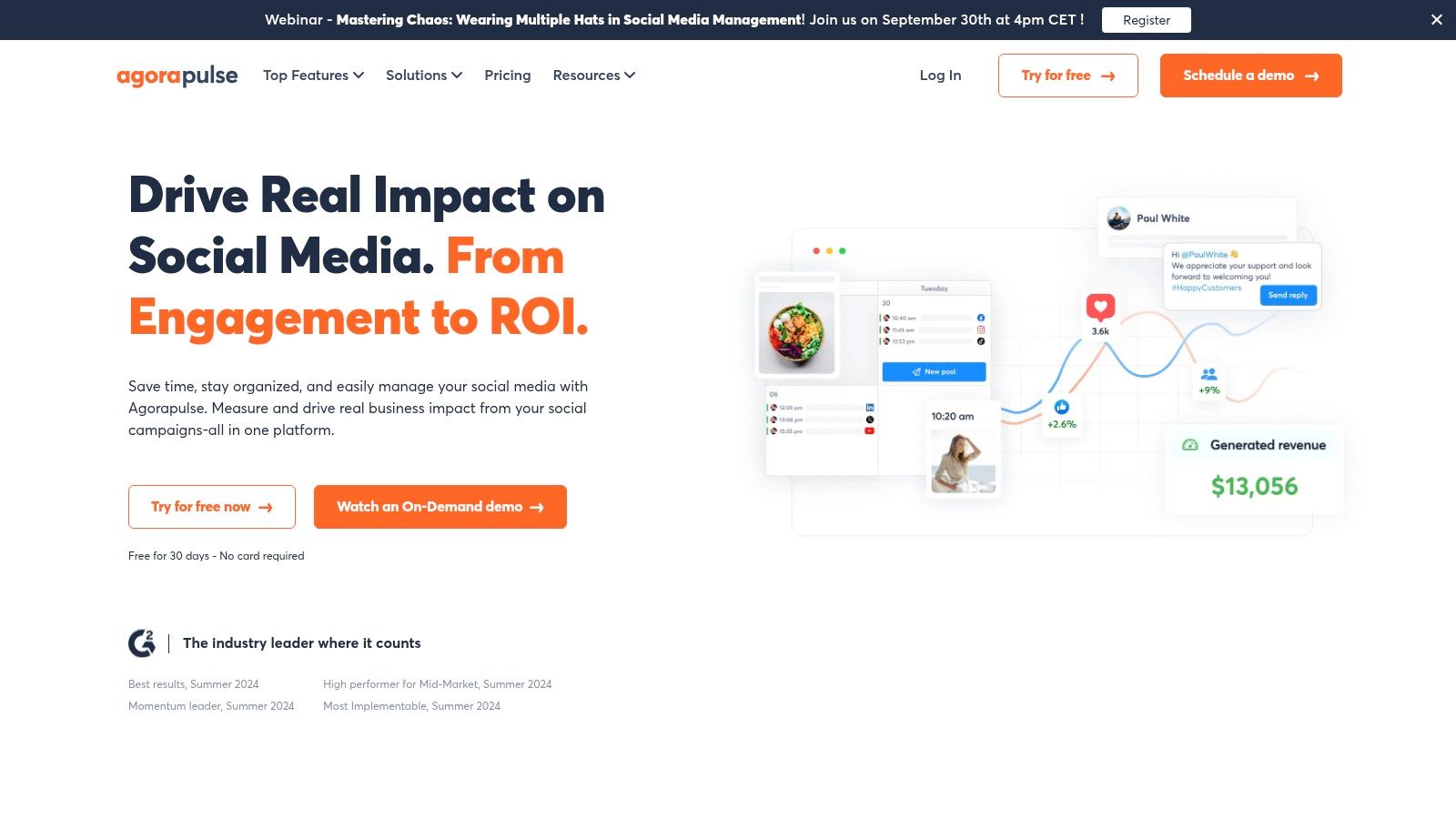
What truly sets Agorapulse apart is its unified social inbox and advanced reporting capabilities. The inbox centralizes all comments, messages, and mentions with powerful moderation rules, labels, and saved replies to streamline engagement. Furthermore, its 'Power Reports' and Google Analytics integration allow teams to directly link social media activities to website traffic and conversions.
Key Features and Pricing
Agorapulse’s features are built to support team efficiency and client management. The shared calendars and approval workflows ensure content is vetted before going live, while bulk publishing and content queues keep schedules full.
- Best for: Agencies and teams needing strong collaboration and ROI tracking.
- Standout Feature: Advanced ROI reporting with customizable 'Power Reports'.
- Pricing: Plans begin at $49/month (billed annually). A free plan is available for beginners.
Pros & Cons
| Pros | Cons |
|---|---|
| Strong collaboration and reporting for agencies | Costs can rise with per-user and profile pricing |
| Clear per-user pricing with profile add-ons | Some advanced reporting is locked in higher tiers |
| Excellent unified social inbox for engagement | Can be more complex than needed for solo users |
Website: https://www.agorapulse.com
8. Metricool
Metricool is a powerful, all-in-one social media scheduling tool that excels at blending content planning with deep analytics. It's designed for freelancers, agencies, and marketers who need to manage multiple brands efficiently without an enterprise-level budget. The platform provides a centralized hub for scheduling, analyzing competitor performance, monitoring ad comments, and even creating a link-in-bio page.
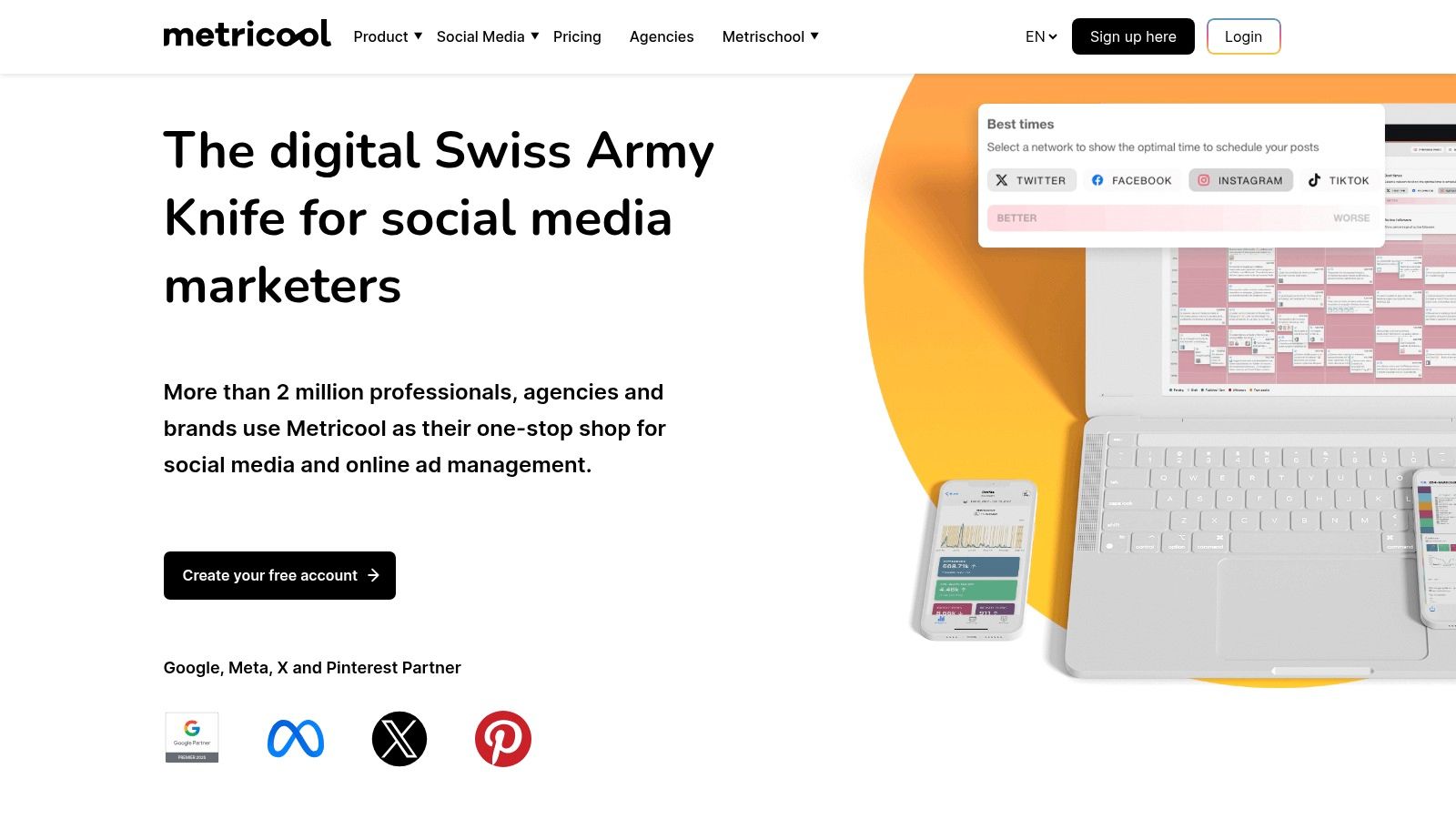
What truly sets Metricool apart is its exceptional value, offering robust analytics and multi-brand management at a very accessible price point. Its ability to generate professional PDF and PPT reports, integrate with Looker Studio, and track competitors provides a level of data-driven insight that is rare in its pricing tier, making it a favorite for data-focused social media managers.
Key Features and Pricing
Metricool's feature set is built for comprehensive management and reporting. The platform offers unlimited scheduling on paid plans and includes a handy AI assistant to help generate post copy, making content creation faster.
- Best for: Freelancers and agencies managing a high volume of client brands.
- Standout Feature: In-depth analytics and competitor tracking across multiple platforms.
- Pricing: A free plan is available. Paid plans start at $22/month for 5 brands, with tiers supporting up to 50+ brands.
Pros & Cons
| Pros | Cons |
|---|---|
| Excellent price-to-brand ratio | X/Twitter connections require paid add-ons |
| Robust analytics and reporting features | Some enterprise features are on higher-tier plans |
| Flexible plans for growing agencies | Interface can feel busy with all the data |
Website: https://metricool.com
9. SocialBee
SocialBee is a powerful yet approachable scheduling tool designed for efficiency, excelling at content organization and evergreen recycling. It allows users to sort posts into categories and create a balanced content calendar that automatically recycles top-performing posts. This system is perfect for consultants, small agencies, and creators who need to maintain a consistent online presence without constant manual effort.
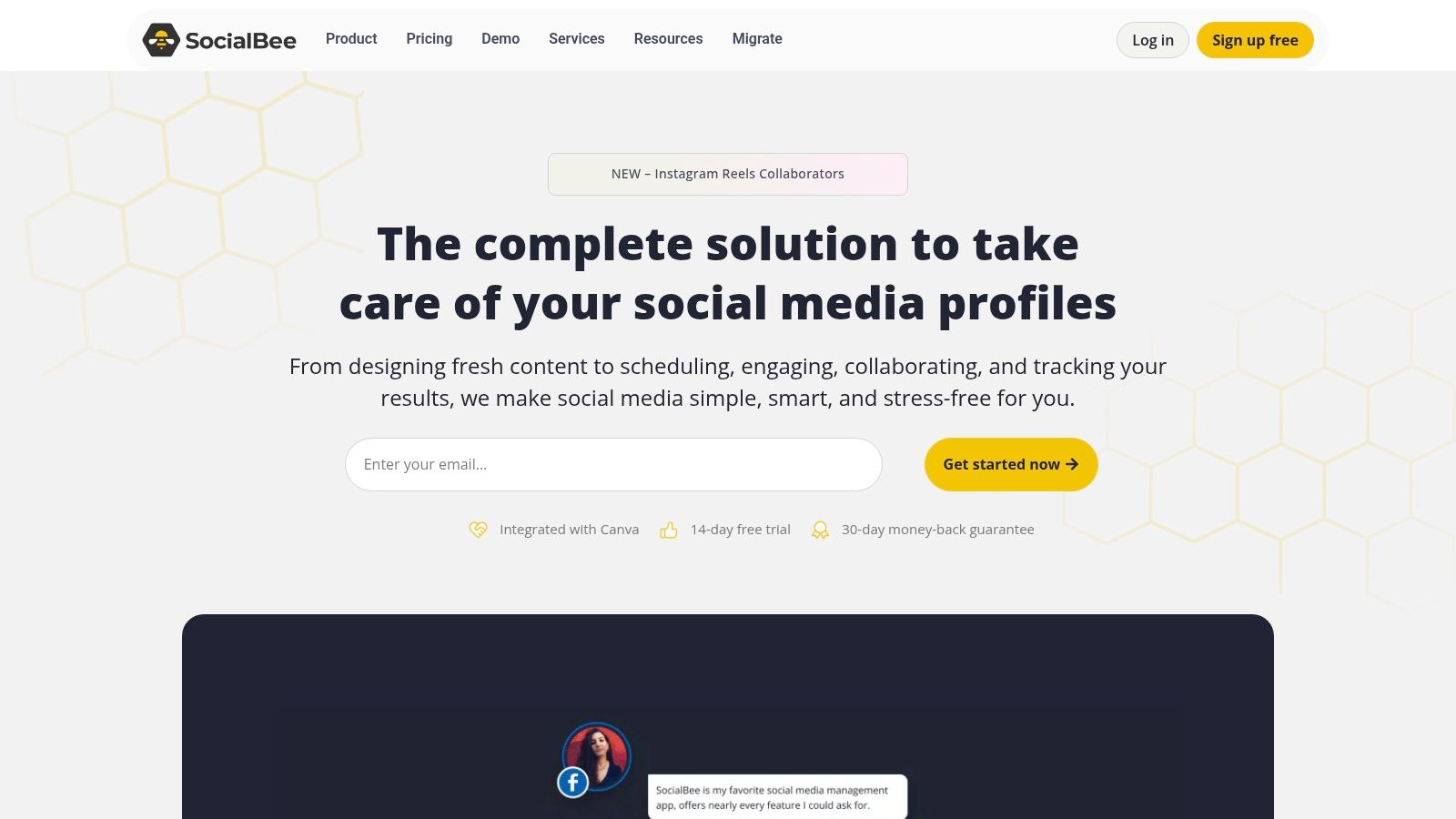
What truly sets SocialBee apart is its focus on structured, repeatable workflows. Instead of just scheduling individual posts, you build a library of content organized by topic or campaign. The platform then publishes from these categories based on your preset schedule, ensuring a varied feed. Features like the AI co-pilot, Canva integration, and robust hashtag tools further streamline content creation, making it one of the best social media scheduling tools for systematic planners.
Key Features and Pricing
SocialBee's category-based scheduling is its core strength, enabling a "set it and forget it" approach to content distribution that saves significant time.
- Best for: Creators and small agencies focused on evergreen content.
- Standout Feature: Content categories and evergreen post recycling.
- Pricing: Plans start at $29/month, with a 14-day free trial available.
Pros & Cons
| Pros | Cons |
|---|---|
| Easy to implement structured posting workflows | Utilitarian interface rather than modern/flashy |
| Competitive pricing and includes 14-day free trial | Some inbox features are lighter than enterprise suites |
| Powerful evergreen content recycling | Can have a learning curve for category setup |
Website: https://socialbee.com
10. Sendible
Sendible is a powerful social media management platform built with agencies in mind. It provides a comprehensive suite of tools designed to manage multiple clients and brands from a single, centralized dashboard. Its core strength lies in its white-label options and client-focused features, allowing agencies to deliver a branded experience while efficiently managing numerous social media profiles.
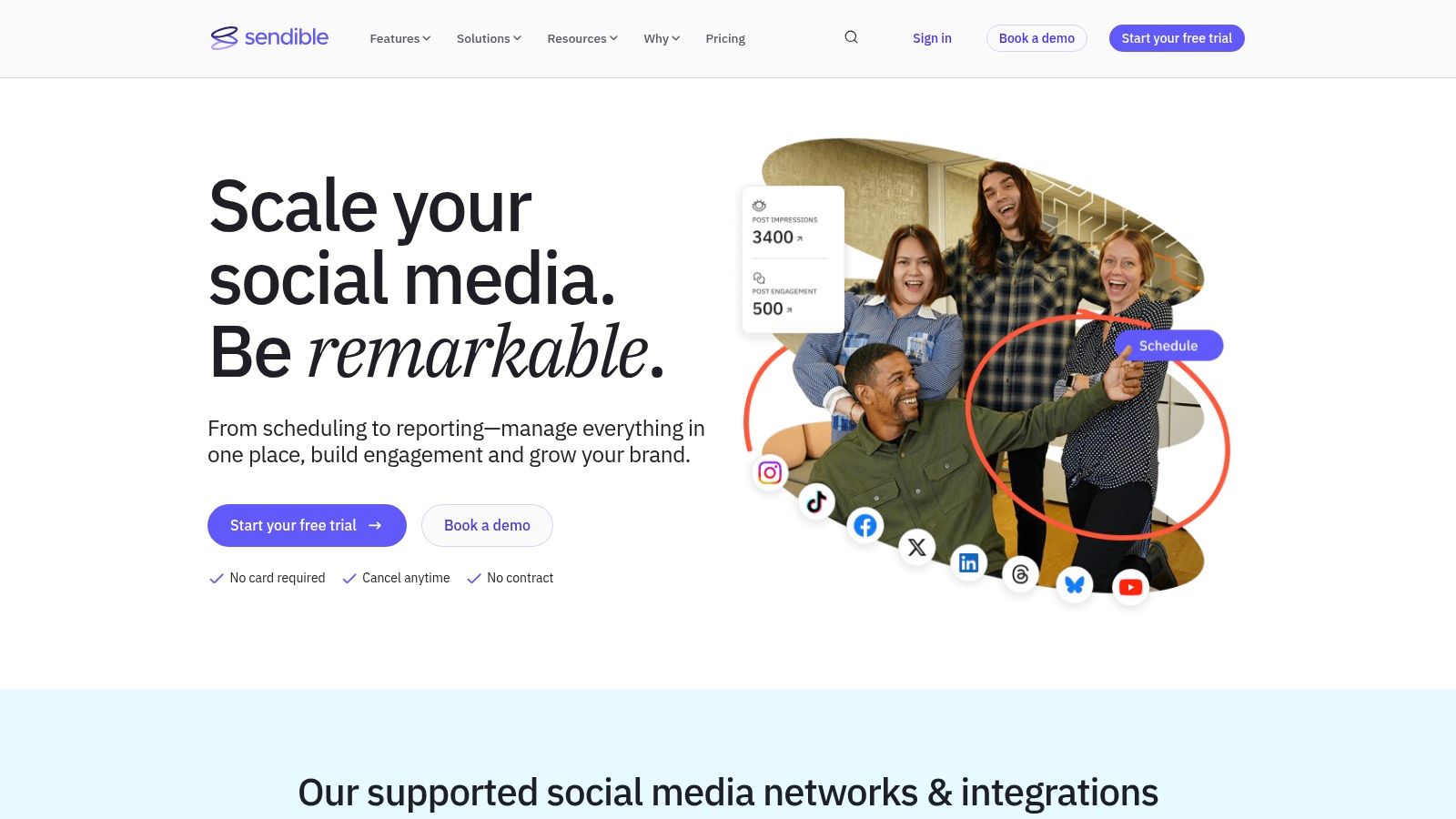
What truly makes Sendible one of the best social media scheduling tools for agencies is its scalability and collaboration system. The platform offers client dashboards, approval workflows, and content libraries that streamline communication and ensure brand consistency. With robust reporting features that integrate with Google Analytics, agencies can easily demonstrate ROI to their clients.
Key Features and Pricing
Sendible simplifies complex workflows with features like smart queues for evergreen content and bulk scheduling capabilities. The platform supports a wide range of networks, including newer platforms like TikTok, Threads, and Bluesky.
- Best for: Digital marketing agencies managing multiple client accounts.
- Standout Feature: White-label client dashboards and reporting.
- Pricing: Plans start at $29/month, with a 14-day free trial available.
Pros & Cons
| Pros | Cons |
|---|---|
| Agency-friendly structure and pricing | Daily send limits exist per user |
| Generous profile counts on higher plans | Advanced reporting is on higher tiers |
| Supports a wide array of social networks | The interface can feel busy initially |
Website: https://www.sendible.com
11. CoSchedule (Social Calendar)
CoSchedule offers a powerful Social Calendar that integrates social media scheduling directly into a broader marketing workflow. It is designed for marketers who need to see how their social campaigns fit alongside blog posts, email newsletters, and other marketing initiatives. This holistic view allows for better strategic alignment and resource planning across all channels.
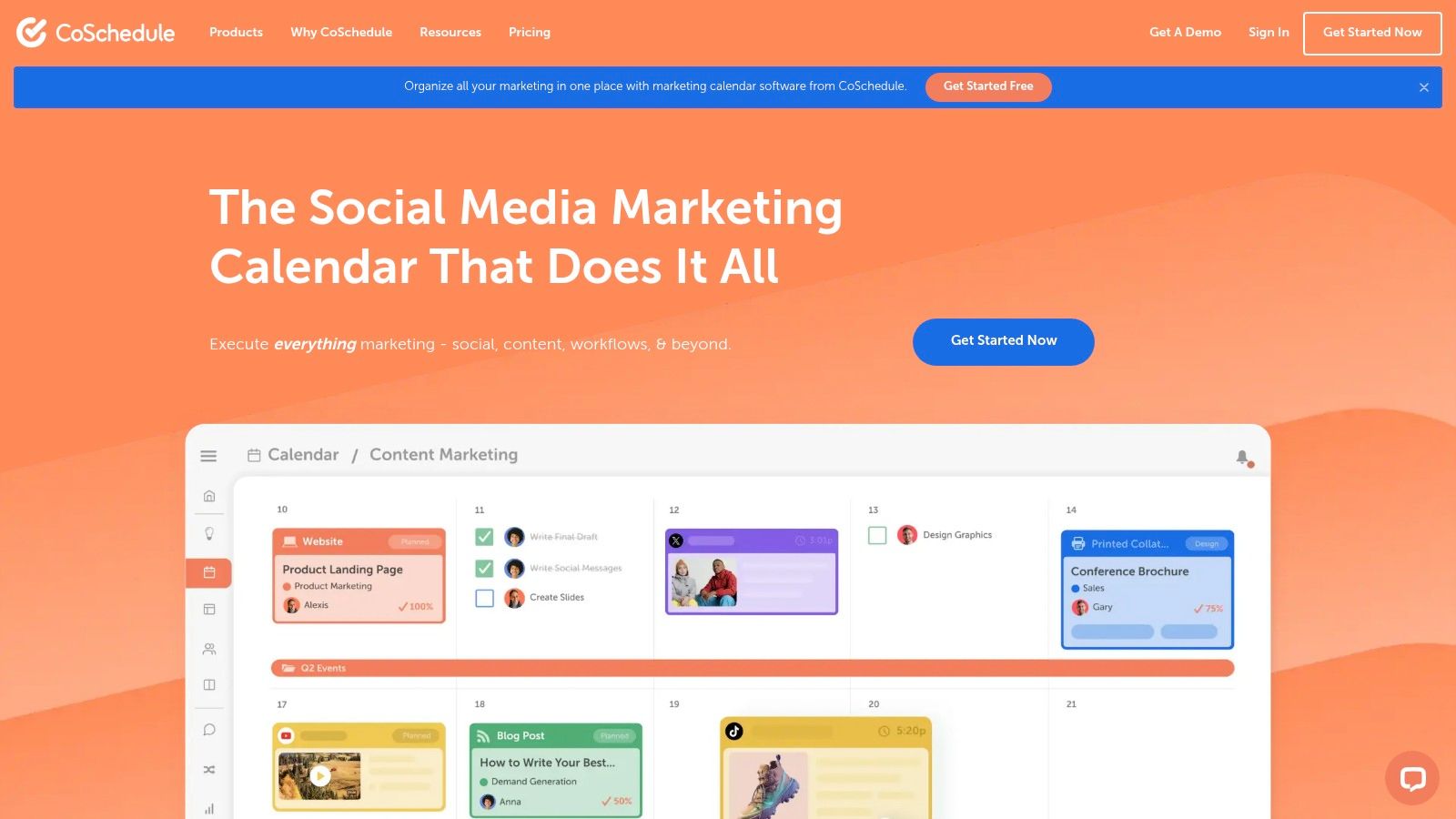
What truly sets CoSchedule apart is its calendar-first approach combined with intelligent automation. The platform’s ReQueue feature automatically re-shares your best evergreen content at optimal times, ensuring your social feeds remain active without constant manual effort. For agencies, optional features like client calendars and approval workflows make it an adaptable solution for managing multiple brands.
Key Features and Pricing
CoSchedule's Social Calendar is built to streamline content planning and execution. The visual, drag-and-drop interface makes it easy to reschedule posts, while the "Best Time Scheduling" feature optimizes post timing for maximum engagement.
- Best for: Marketing teams who want to manage social media within a unified content calendar.
- Standout Feature: ReQueue automation for evergreen content.
- Pricing: A Free plan is available. Paid plans start at $19 per user/month, with custom pricing for agency solutions.
Pros & Cons
| Pros | Cons |
|---|---|
| Ideal for planning social alongside other marketing | X/Twitter profiles are billed separately |
| Clear upgrade path from Free to Agency plans | Some collaboration tools require paid tiers |
| Strong automation with ReQueue feature | Can be complex if only used for social scheduling |
Website: https://coschedule.com
12. Loomly
Loomly is a collaborative and visual social media scheduler that positions itself as a brand success platform. It offers a clean, guided workflow from post ideation to approval and analysis, making it one of the best social media scheduling tools for teams seeking structure and creative inspiration. The platform is known for its straightforward plans that scale easily as teams grow.
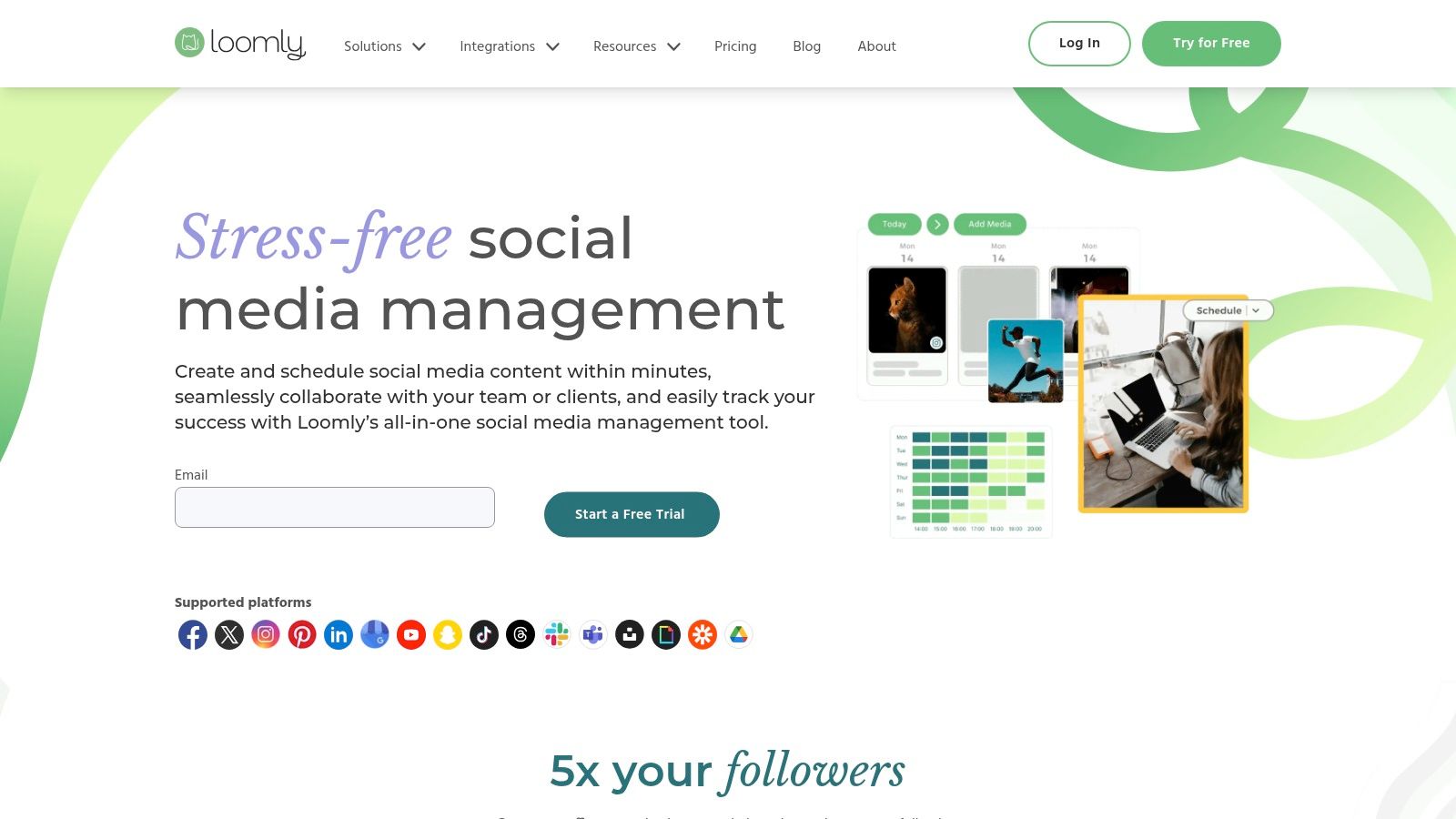
What truly sets Loomly apart are its built-in creative aids. The platform provides post ideas based on trends and events, hashtag suggestions, and real-time optimization tips to improve content quality before it goes live. This focus on content creation, combined with its simple approval workflows and visual calendar, makes it a powerful tool for maintaining brand consistency.
Key Features and Pricing
Loomly’s feature set is designed to support the entire content lifecycle. It helps teams stay organized and on-brand with a clear, step-by-step process for creating, reviewing, and publishing social media posts.
- Best for: Small to mid-sized marketing teams and agencies needing structured collaboration.
- Standout Feature: Post ideas and real-time optimization tips.
- Pricing: Plans start at $32/month. A 15-day free trial is available.
Pros & Cons
| Pros | Cons |
|---|---|
| Simple team scaling by adding users/accounts | No permanent free plan, only a trial |
| Helpful creation aids for consistent publishing | Advanced analytics are reserved for higher tiers |
| Clear, guided approval workflows | Limited integrations on lower-priced plans |
For those looking to streamline their content calendar, you can learn more about how to schedule social media posts with Loomly on repostly.app.
Website: https://www.loomly.com
Top 12 Social Media Scheduling Tools Comparison
| Platform | Core Features / Automation ✨ | User Experience / Quality ★★★★☆ | Value & Pricing 💰 | Target Audience 👥 | Unique Selling Points 🏆✨ |
|---|---|---|---|---|---|
| Repostly 🏆 | Cross-post automation on 6 platforms, unified analytics, workflow setup | Saves 5+ hrs/week, easy setup, 7-day trial | From $5.33/mo, scalable profiles & posts | Creators, SMBs, marketers | 300% reach boost, simple cross-posting hub |
| Hootsuite | Unlimited scheduling, social inbox, team workflows | Deep analytics, AI posting suggestions | Higher price, best for enterprises | Teams, multi-brand managers | Broad integrations, competitive social listening |
| Buffer | Simple scheduling, AI assistant, hashtag tools | Very easy to learn, modular pricing | Budget-friendly, per-channel pricing | Solo marketers, small teams | Free plan, intuitive interface |
| Sprout Social | Unified inbox, approvals, detailed reporting | Best-in-class analytics, scalable for teams | Per-seat pricing can be high | Enterprise, multi-brand teams | Rich analytics, multi-team collaboration |
| Later | Visual calendar, Link in Bio, product tagging | Creator-friendly, scaled from solo to teams | Starter limits posts/profiles | Creators, SMBs, agencies | Visual-first workflows, creator tools |
| Zoho Social | Bulk scheduling, CRM integration, repeat posts | Aggressive value, complex interface | Competitive but dynamic pricing | SMBs, Zoho users | Deep CRM/desk workflows integration |
| Agorapulse | Team workflows, ROI reports, advanced moderation | Strong collaboration, clear per-user costs | Price rises with users/profiles | Agencies, teams | Advanced ROI & moderation features |
| Metricool | Unlimited scheduling, competitor tracking | Good price-brand ratio, flexible tiers | Low cost, add-ons for X/Twitter | Freelancers, agencies | SmartLinks, deep analytics |
| SocialBee | Evergreen recycling, AI tools, bulk scheduling | Easy workflow setup, competitive pricing | Affordable, 14-day free trial | Creators, consultants, small agencies | Category-based scheduling |
| Sendible | Bulk posting, client dashboards, white-label | Agency-friendly, generous profiles | Mid-to-high pricing tiers | Agencies | White-label, multi-network including Threads |
| CoSchedule | Marketing calendar, ReQueue automation | Ideal for marketing teams, calendar-first | X/Twitter billed separately | Marketing teams | Marketing calendar with social integration |
| Loomly | Post ideas, optimization tips, team scaling | Simple scaling, creation aids | Trial only, no free plan | Teams, social media managers | Visual previews, Slack/Teams integration |
Final Thoughts
Navigating the crowded landscape of social media scheduling tools can feel overwhelming, but the right platform can completely transform your workflow. As we've explored, the "best" tool isn't a one-size-fits-all answer. Instead, it's about finding the perfect match for your specific goals, team size, and budget.
From the enterprise-level analytics of Sprout Social to the visual-first simplicity of Later, each platform offers a unique approach to solving the same core challenge: managing your social media presence efficiently. The key takeaway is to move beyond feature lists and focus on how a tool will integrate into your daily operations. Your choice should empower you, not complicate your process.
How to Choose the Right Tool for You
To make a final decision, start by auditing your current needs and anticipating your future growth. This simple exercise will provide the clarity needed to select from the best social media scheduling tools we’ve covered.
Ask yourself these critical questions:
- What is my primary goal? Are you focused on brand awareness, lead generation, community engagement, or sales? A tool like Agorapulse excels at engagement, while CoSchedule is built for content-heavy marketing campaigns.
- What is my budget? Be realistic. A free or low-cost tool like Buffer or Metricool can be incredibly effective for solo creators and small businesses. Don't pay for enterprise features you won't use.
- Which platforms are most important? If your strategy is heavily reliant on Instagram and TikTok, a visual planner like Later is a strong contender. For agencies managing diverse client profiles across LinkedIn, Facebook, and Twitter, a comprehensive solution like Sendible or Hootsuite may be more appropriate.
- How much data do I need? Basic analytics might be enough for a small business owner. However, a marketing team will need the deep, competitive insights provided by platforms like Sprout Social or Zoho Social to justify ROI.
Your Next Steps
The most crucial step you can take now is to start a free trial. Almost every tool on our list offers one. Use this trial period to actively test the platform with your real-world content and workflow. Schedule a week's worth of posts, explore the analytics dashboard, and see how intuitive the user interface feels. This hands-on experience is the ultimate tie-breaker.
Finding the right social media scheduling tool is an investment in your most valuable asset: your time. By automating the manual tasks of posting and reporting, you free yourself up to focus on what truly matters: creating meaningful content and building genuine connections with your audience.
Ready to simplify your social media and reclaim your time? Repostly offers a powerful yet intuitive platform designed for creators and businesses who need to post everywhere without the hassle. Start your free trial of Repostly today and experience the easiest way to manage and grow your social presence.
Keep reading

10 Fresh Instagram Story Idea Tactics for 2025
Stuck for content? Discover our top Instagram story idea list, with actionable tips to boost engagement and grow your audience in 2025.

A Practical Social Media Planner for German Markets
Build a results-driven social media planner for Germany. This guide offers actionable strategies for content, scheduling, and analysis in the German market.

Crafting Your Social Media Content Plan
Stop guessing and start strategizing. This guide provides an actionable social media content plan to audit, plan, and execute content that gets results.
Post once. Show up everywhere.
Start your 7-day free trial and publish your next video to every platform in minutes.Pick a plan and publish your next video to every platform in minutes.
Start your free trialSee plansCancel anytime