Best Time to Upload YouTube Videos for Maximum Views
Discover the best time to upload YouTube videos to boost views and engagement. Learn proven tips to optimize your upload schedule now!

Ever wondered if posting at 3 AM versus 3 PM actually makes a difference? The answer is a huge yes. The best time to upload to YouTube is almost always when your audience is online and ready to watch—usually late afternoons on weekdays (3 PM to 6 PM) and on weekends.
Why Your YouTube Upload Time Matters More Than You Think
Those first few hours after a video goes live are absolutely critical.
This is when the YouTube algorithm is paying close attention. It's measuring everything—views, likes, comments, and how long people stick around. This early data is what it uses to decide whether your video is worth showing to more people.
Think of it like a signal flare. Strong initial engagement tells the algorithm, "Hey, people are really into this!" That early momentum can be the single thing that separates a video that gets a handful of views from one that truly takes off.
A Tale of Two Uploads
Imagine this: a creator posts an amazing, brilliantly edited video at midnight. The problem? Most of their audience is in the same time zone and sound asleep. The video barely gets any traction in its first eight hours. The algorithm sees this low engagement and assumes the video isn't very good, so it stops recommending it.
Now, let's replay that. The same video goes live at 4 PM on a Friday. People are just getting off work or out of school, scrolling through their phones, looking for something to watch. The video immediately starts racking up views, likes, and comments. This flurry of activity signals to YouTube that the content is a hit, and the algorithm starts pushing it to more homepages and suggestion feeds.
Key takeaway: The initial 2-4 hours after you upload are your golden window. A strong start here dramatically boosts your video's chances of getting picked up and promoted by YouTube's recommendation engine.
Making a Great First Impression on the Algorithm
You can think of your upload time as setting the stage for the algorithm's first impression. An empty theater isn't going to generate much buzz, but a packed house will.
When you upload at the right time, your most dedicated subscribers are there to provide the social proof—the views, likes, and comments—that your video needs to get wider distribution.
Of course, timing is just one piece of the puzzle. It’s a powerful strategy, but it works best when paired with great content. To make sure your videos have what it takes, explore these strategies for creating viral content.
Ultimately, you want to sync your publishing schedule with your audience's daily routine. This guide will show you how to stop guessing and start using data to get your videos in front of the right people at exactly the right time.
General Guidelines for YouTube Peak Times

Before you get lost in your own analytics, it helps to have a solid starting point. Think of these general guidelines as a reliable launchpad—times you can test right away while you gather more specific data from your own audience.
These peak windows aren't random; they're based on widespread viewing patterns and, honestly, just common sense about human behavior. People watch more videos when they have downtime, which creates predictable waves of viewership you can ride.
Nailing Your Weekday Uploads
During the workweek, people's viewing habits are pretty much dictated by school and work. It's unlikely your audience is diving into a 20-minute video at 9 a.m. on a Monday.
Instead, viewership starts to pick up around lunch and then really spikes in the late afternoon as people unwind, commute home, or take a break before dinner. That’s why posting between 2 p.m. and 6 p.m. on weekdays is often a smart move—you catch your audience just as they’re switching from work mode to relaxation mode.
Data from various industry analyses points to Friday between 3 p.m. and 4 p.m. as a prime slot for maximizing engagement, with Tuesday at 2 p.m. and Thursday at 6 p.m. as other strong contenders. You can explore more data-backed insights like these over at Analyzify.com. This timing makes perfect sense, as viewers are getting ready for the weekend and looking for fresh content.
Cashing in on Weekend Downtime
Weekends follow a completely different beat. People have more free time, so their viewing habits shift to earlier in the day. Saturday and Sunday mornings are fantastic opportunities, as your audience is relaxed and actively seeking out videos to watch.
Weekends give you a much more flexible and extended viewing window. While late morning to early afternoon is a sweet spot, people are generally more available throughout the day compared to the rigid schedule of a weekday.
This wider availability means you have a larger window to grab that crucial initial engagement. Here are some of the most common peak periods to start with:
- Saturdays: 9 a.m. to 11 a.m.
- Sundays: 12 p.m. to 3 p.m.
These time slots are perfect for catching viewers as they ease into their day or settle in after brunch or other weekend activities.
To give you a quick, at-a-glance reference, I’ve put together the most commonly cited peak times into a simple table.
General Peak YouTube Upload Times by Day
This table provides a handy reference for the generally accepted best times to post on YouTube, based on aggregated global engagement data. Think of it as your cheat sheet.
| Day of the Week | Primary Time Slot (Local Time) | Secondary Time Slot (Local Time) | Rationale |
|---|---|---|---|
| Monday | 3 p.m. – 6 p.m. | 12 p.m. – 3 p.m. | Post-work/school wind-down, catching up after the day. |
| Tuesday | 3 p.m. – 6 p.m. | 12 p.m. – 3 p.m. | Viewers settle into the week, seeking entertainment. |
| Wednesday | 3 p.m. – 6 p.m. | 12 p.m. – 3 p.m. | Mid-week break time; engagement remains consistent. |
| Thursday | 3 p.m. – 6 p.m. | 12 p.m. – 3 p.m. | People start planning their weekend entertainment. |
| Friday | 3 p.m. – 6 p.m. | 9 a.m. – 11 a.m. | Pre-weekend excitement; viewers are highly engaged. |
| Saturday | 9 a.m. – 11 a.m. | 12 p.m. – 3 p.m. | Morning leisure time; viewers are relaxed and browsing. |
| Sunday | 12 p.m. – 3 p.m. | 9 a.m. – 11 a.m. | Peak weekend relaxation before the new week begins. |
Of course, these are general starting points. While the underlying principles of viewer availability are consistent across platforms, the real magic happens when you compare this advice with your own channel's data. For a broader perspective, you can check out our guide on the best times to post on social media, which will show you how these patterns play out elsewhere.
How to Find Your Unique Best Time in YouTube Analytics
General advice is a solid starting point, but the real gold is buried in your channel’s own data. This is where we shift from making educated guesses to making data-driven decisions. The key to unlocking the best time to upload YouTube videos for your audience is right inside YouTube Studio, and it's easier to find than you might think.
Forget about wrestling with complex spreadsheets for now. Your most powerful tool is already built into your channel's backend. To really nail down when your audience is online and ready to watch, we're going to dive into YouTube Analytics. If you're curious about other tools, you can also explore these Top YouTube Analytics Tools.
Navigating to Your Audience Report
First, jump into your YouTube Studio dashboard. Look for Analytics on the left-hand menu. Clicking this opens up a ton of data, but don't get distracted. We have a specific target.
Along the top of the Analytics page, click on the ‘Audience’ tab. This entire section is designed to give you a crystal-clear picture of who is watching your videos and when.
This is where you'll find a chart called "When your viewers are on YouTube." Think of this simple, color-coded graph as your personalized roadmap to getting more views. It shows you the exact days and hours your viewers were most active on the platform over the last 28 days.
Here's what that report looks like in the wild. It shows different blocks of time with varying levels of viewer activity.
The rule is simple: the darker the purple, the more of your viewers are online.
Decoding the Data and Taking Action
Reading this chart is incredibly intuitive. Those deep, dark purple bars represent your primetime slots—the moments when your audience is most likely browsing, looking for something new to watch.
Your job is to spot two or three of these peak windows. Maybe you notice a big spike on Wednesdays around 5 PM, another on Fridays at 4 PM, and a solid block of viewers on Saturdays at 11 AM. Bingo. Those are your new target upload times.
Pro Tip: Here’s a little secret from experienced creators: Don't upload right at the peak time. Instead, schedule your video to go live one to two hours before the darkest purple bars appear. This gives the YouTube algorithm time to index your video and get it ready. That way, when your audience logs on, your new upload is sitting there waiting for them in their feeds.
What if your channel is new and this report is empty? No sweat. If you don't have enough data to populate the chart yet, just stick with the general best practices we covered earlier. Check back in a few weeks once you've racked up more watch time.
Once you have the data, you can layer in geographic insights to build an even smarter schedule.
Check Your Top Geographies: In that same 'Audience' tab, scroll down to the "Top geographies" report. This will show you exactly where your viewers are tuning in from.
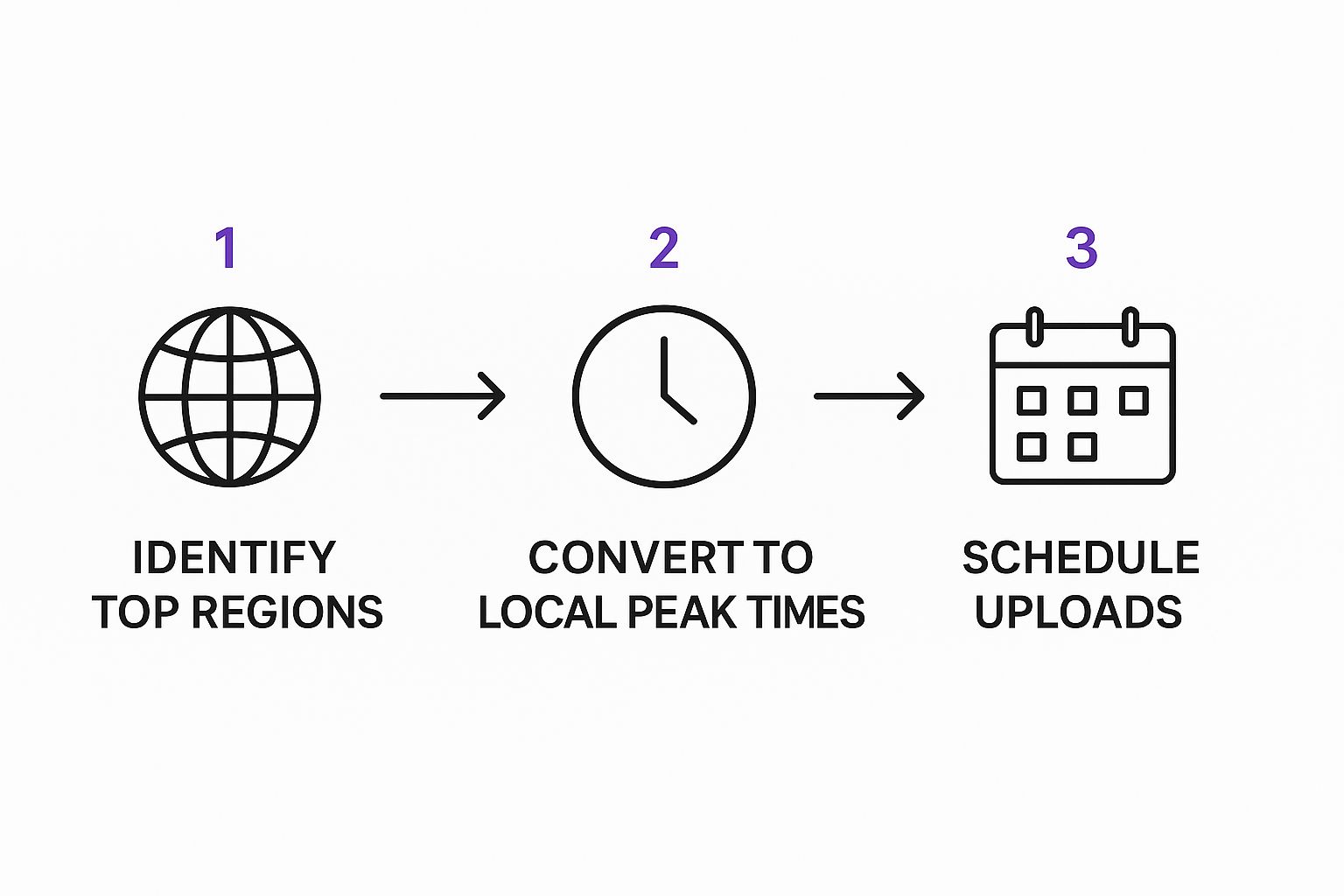
Factor in Time Zones: If you have a global audience, you might need to find a sweet spot that works for your biggest viewer groups. Or, you could even experiment with different schedules for different regions.
Experiment and Refine: Use the "When your viewers are on YouTube" report as your main guide. Pick your top two time slots and test them over your next few uploads. Pay close attention to how each video performs in its first 24 hours—that's your feedback loop.
Matching Your Upload Schedule to Your Niche

It’s pretty obvious that a gamer’s prime viewing time is going to be completely different from a fitness enthusiast's morning routine. This is exactly why a generic, one-size-fits-all schedule is a recipe for disappointment when you're trying to figure out the best time to upload YouTube videos.
To really get traction, you have to sync your posting times with the unique lifestyles of your audience. The best way to start? Think like them. Seriously, put yourself in your viewer's shoes. When are they actually free and looking for the kind of videos you make? This simple change in mindset is the first step to building a schedule that works for your niche.
Gaming Channels
Gamers are a different breed. Their schedules often run much later than the average person's. Many are jumping on YouTube after a long day of work or school, or even late into the night during a marathon gaming session. Dropping a video at 9 p.m. might feel way too late for most channels, but for a gaming audience, you could be hitting their primetime.
Health and Fitness Channels
Now, let's flip that on its head. Imagine your channel is all about morning yoga or quick HIIT workouts. Your audience is looking for a video to kickstart their day. An early upload—think 6 a.m. or 7 a.m.—is perfect for catching these viewers before they even think about heading to work. Your video becomes part of their daily ritual.
Key Insight: Your niche defines your audience's daily rhythm. A finance channel might get a ton of views during weekday lunch breaks, while a cooking channel will probably see a huge spike around 5 p.m. when everyone’s thinking, "What's for dinner?"
This isn't just guesswork; the data backs it up. For example, gaming channels consistently see the highest engagement from videos posted at 3 p.m., 7 p.m., and 9 p.m. These times line up perfectly with after-school breaks and evening gaming binges. You can dive deeper into these niche-specific YouTube timings on SocialPilot.co.
Educational and DIY Content
What about channels that teach people how to do things, like coding, woodworking, or painting? Viewership for this type of content usually peaks during periods of focused learning. That could be mid-morning, during a lunch break, or on weekend afternoons when people finally have some dedicated time to tackle a project.
Here are a few more real-world examples to get you thinking:
- Finance & Business: Aim for weekdays during lunch (12 p.m. - 1 p.m.) or right after the markets close (6 p.m. - 8 p.m.). This is when professionals are catching up on industry news.
- Cooking & Recipes: Post in the late afternoon (4 p.m. - 6 p.m.). You'll catch everyone searching for dinner ideas.
- Family & Parenting Vlogs: Try uploading during school hours or later in the evening after the kids are asleep. It’s often the only quiet moment parents get.
By really digging into these lifestyle patterns, you can stop relying on generic advice and start building a posting schedule that feels like it was made just for your community. It’s a skill that pays off, and if you want to get better at it, our guide on how to schedule social media posts can show you the tools and tricks. This isn't just about uploading content; it's about making sure it gets discovered by the right people at the right time.
Timing Your YouTube Shorts for Maximum Reach
YouTube Shorts live in a completely different world than traditional long-form videos. No one schedules time in their day to watch Shorts. Instead, people consume them in those quick, scattered moments—on a coffee break, waiting for the bus, or during that last scroll before bed. This reality means you have to completely rethink your upload strategy.
Forget the idea of a single, epic premiere. Success with Shorts is all about consistency and volume, targeting those specific "in-between" moments of the day. You're trying to catch people when they have just a few minutes to spare and are craving a quick hit of entertainment.
The Peak Windows for Quick Content
Your goal is to sync your uploads with these high-traffic, short-attention-span periods. The sweet spots are generally the midday lunch break and the evening wind-down.
This is because how people watch Shorts is much more impulsive, mirroring the same habits we see on other short-form video apps. If you want to dig into this behavior more, our guide on the best time to post to Instagram breaks down very similar user patterns. The trick is to be there when the casual scrolling is at its absolute peak.
The data backs this up. The most effective windows for Shorts are typically between 12 p.m. and 3 p.m. and then again from 7 p.m. to 10 p.m. during the week. These hours line up perfectly with lunch breaks and post-dinner relaxation when people are most likely to be flicking through their feeds. To get a closer look at these trends, you can discover more insights about Shorts timing on Screenstory.io.
Key Takeaway: For Shorts, it's less about finding one perfect upload time and more about consistently hitting multiple high-volume windows. Your mission is to give the algorithm every possible chance to feature your content when viewer traffic is buzzing.
Building a Strategy for Shorts
Since the window of opportunity for any single Short is so brief, posting multiple times a day can be a game-changer. Unlike long-form videos where you risk overwhelming your audience, dropping two or three Shorts during these peak periods can dramatically boost your odds of one taking off.
Think of it like casting a wider net. More content pushed out during peak hours gives the algorithm more material to test with different audience segments, increasing your chances of finding that perfect match.
Let's break down how the two formats stack up against each other.
Long-Form Video vs. YouTube Shorts Upload Times
When you're planning your content calendar, it’s crucial to treat these two formats as distinct entities. What works for a 15-minute deep dive will almost certainly fail for a 30-second clip. This table highlights the fundamental differences in strategy.
| Factor | Long-Form Videos | YouTube Shorts |
|---|---|---|
| Viewer Intent | Planned viewing, dedicated time | Spontaneous, filling small gaps |
| Peak Windows | Afternoons, early evenings | Lunch breaks, late evenings |
| Upload Frequency | Less frequent, higher production | More frequent, higher volume |
| Goal | Deep engagement, watch time | Quick views, high shareability |
Ultimately, your approach needs to be tailored to the format. For your Shorts, shift your focus away from a single, perfectly timed premiere and toward maintaining a consistent presence during the busiest scrolling hours of the day. It's a volume game, and timing is everything.
Common Questions About YouTube Upload Times

Even when you've got a solid plan, a few practical questions always come up. It's one thing to have the data, but it's another to know how to handle the real-world "what ifs" that pop up along the way. Let's tackle some of the most common hurdles I see creators run into.
One of the biggest ones, especially for new channels, is staring at a blank analytics report. What do you do when that "When your viewers are on YouTube" chart is empty because you just don't have enough watch time yet?
First off, don't sweat it. This happens to everyone. Just fall back on the general peak times we talked about earlier. They’re a fantastic starting point. Aim for uploads on weekday afternoons, somewhere between 3 p.m. and 6 p.m., or on weekend mornings from 9 a.m. to 11 a.m.
After you've been publishing consistently for a few weeks, that report will start to fill in. Then you can switch from the general rules to your own specific data.
What if My Audience Is Global?
This is a great problem to have, but it can feel like a tricky puzzle. If your viewers are scattered across multiple continents, whose time zone do you cater to? The answer is right there in your analytics.
Head over to the 'Audience' tab in YouTube Studio and look for the "Top geographies" report. This little gem shows you exactly where the majority of your viewers are tuning in from.
- Go with the majority: If 60% of your audience is in the United States, then schedule your posts for their peak viewing hours. Simple as that.
- Find the sweet spot: If your audience is pretty evenly split between, say, North America and Europe, try to find a middle ground. An upload in the early afternoon Eastern Time (ET) often works wonders—it catches Europeans in their evening and North Americans as they're winding down their workday.
You’re not trying to be perfect for every single viewer. The real goal is to hit the largest chunk of your audience right when they’re most likely to watch.
How Often Should I Revisit My Schedule?
Audience habits are not set in stone. They shift with seasons, holidays, or even just as your channel and content evolve over time. Finding the best time to upload isn't a "set it and forget it" task; it’s something you have to keep an eye on.
Make it a habit to check your analytics once a month. Just a quick peek at the "When your viewers are on YouTube" report is all it takes to see if your peak times have drifted. This simple check-in keeps your schedule in sync with your audience and your engagement strong.
Staying on top of these common issues takes the guesswork out of the equation and helps you maintain a powerful, data-driven upload strategy. When you know how to handle empty analytics, navigate global time zones, and adjust on the fly, you'll have the confidence to keep your channel growing.
Stop guessing and start scheduling. Repostly provides a unified dashboard with all the analytics you need to pinpoint your audience's peak times and automate your uploads across all major platforms. Start your free 7-day trial and see the difference.
Keep reading

10 Fresh Instagram Story Idea Tactics for 2025
Stuck for content? Discover our top Instagram story idea list, with actionable tips to boost engagement and grow your audience in 2025.

A Practical Social Media Planner for German Markets
Build a results-driven social media planner for Germany. This guide offers actionable strategies for content, scheduling, and analysis in the German market.

Crafting Your Social Media Content Plan
Stop guessing and start strategizing. This guide provides an actionable social media content plan to audit, plan, and execute content that gets results.
Post once. Show up everywhere.
Start your 7-day free trial and publish your next video to every platform in minutes.Pick a plan and publish your next video to every platform in minutes.
Start your free trialSee plansCancel anytime