Top 7 Social Media Content Calendar Examples for 2025
Discover effective social media content calendar examples to enhance your 2025 strategy. Boost engagement with these proven templates!

Trying to manage a social media presence without a plan feels like shouting into the void. Last-minute posts, inconsistent messaging, and missed opportunities are common frustrations for marketers and business owners alike. A well-organised content calendar transforms this chaos into a streamlined, strategic operation, ensuring your brand story is told consistently and effectively. It’s more than a schedule; it’s a command centre for your entire social strategy, saving you time and improving collaboration.
To effectively manage your social media presence, a crucial first step is to learn how to create a content calendar that works. This guide goes beyond theory, offering a deep dive into diverse social media content calendar examples from platforms and tools like Hootsuite, Notion, and Canva. We'll break down the strategic advantages of each one, providing screenshots and direct links to help you find the perfect fit.
Forget generic templates. We will analyse the specific features that make each example powerful, from dedicated management platforms to highly customisable spreadsheets and visual planners. Whether you're a solo entrepreneur or part of a large marketing team, you'll find actionable insights and replicable strategies to build a calendar that aligns with your unique workflow and goals. Let's explore the best options available.
1. Repostly – Social Media Management & Analytics Platform
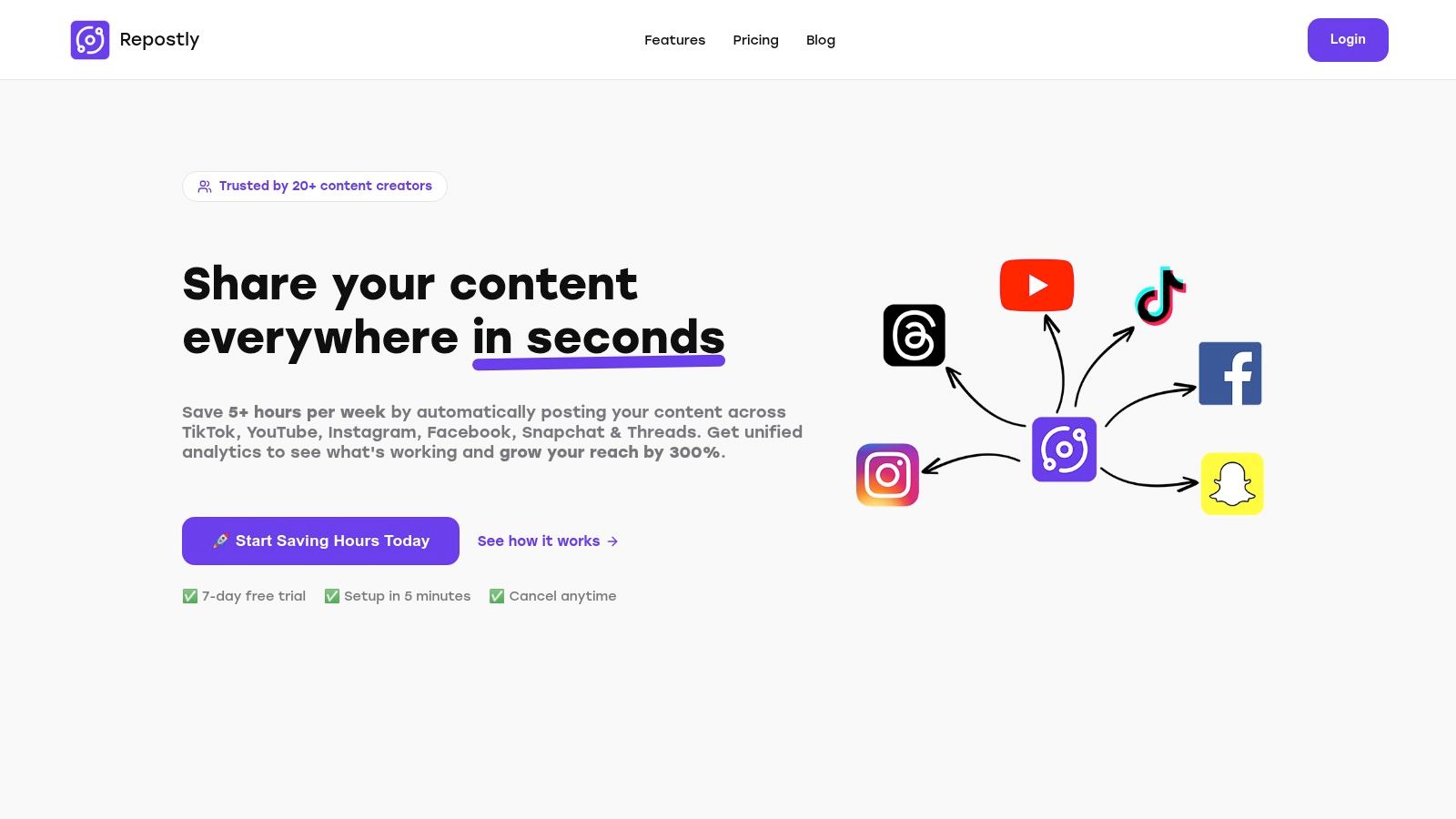
As our featured choice, Repostly distinguishes itself as a premier all-in-one social media management platform, offering a sophisticated yet intuitive solution for content planning and execution. It moves beyond static templates by providing a dynamic, built-in content calendar that serves as the command centre for your entire multi-platform strategy. This integrated approach is precisely why it’s a standout example for modern social media managers and creators.
Repostly’s core strength lies in its ability to centralise content scheduling across a wide array of networks, including TikTok, YouTube, Instagram, Facebook, and Threads. This eliminates the need to juggle multiple apps and logins, streamlining your workflow significantly. The visual calendar interface allows you to map out your content weeks or months in advance, providing a clear, high-level overview of your upcoming posts and campaigns.
Strategic Analysis: The Repostly Advantage
What makes Repostly a superior social media content calendar example is its fusion of planning with powerful automation and analytics. The platform claims to save users over five hours per week, a direct result of its automated scheduling and cross-posting capabilities. This efficiency gain allows teams to reallocate valuable time from administrative tasks to creative strategy and content production.
Key Strategic Insight: By integrating a visual content calendar directly with publishing tools and unified analytics, Repostly transforms the calendar from a simple organisational document into an actionable strategic hub. This allows for real-time adjustments based on performance data, creating a responsive and agile content strategy.
Practical Application & Features
To get the most out of Repostly, users should leverage its core features in a coordinated manner:
- Unified Calendar View: Plan and visualise your content for all connected platforms in one place. Use colour-coding or tags to differentiate between campaigns, content pillars, or specific social channels.
- Automated Workflows: Schedule posts to be published automatically at optimal times. This “set it and forget it” functionality ensures consistent posting, even outside of working hours, which is crucial for maintaining audience engagement.
- Integrated Analytics: The built-in analytics dashboard is a critical component. Regularly review metrics like views, likes, and follower growth directly within the platform. This data should inform your future content decisions, helping you identify what resonates with your audience. For a deeper dive, exploring the best social media analytics tools on repostly.app can provide additional context.
- Cross-Platform Management: Effortlessly adapt and schedule a single piece of content across multiple platforms, tailoring captions and formats as needed for each channel directly from the calendar interface.
Summary: Pros & Cons
| Pros | Cons |
|---|---|
| Supports a wide range of modern platforms including TikTok and Threads. | Can be overwhelming for users managing only a single platform. |
| Built-in calendar view streamlines planning and scheduling. | Advanced analytics may have a learning curve for beginners. |
| Saves significant time through automated posting. | |
| Unified analytics provide a holistic view of performance. |
With its robust feature set and focus on efficiency, Repostly offers a compelling, real-world example of how a dynamic content calendar can become the cornerstone of a successful, data-driven social media strategy.
Website: https://repostly.app
2. Hootsuite
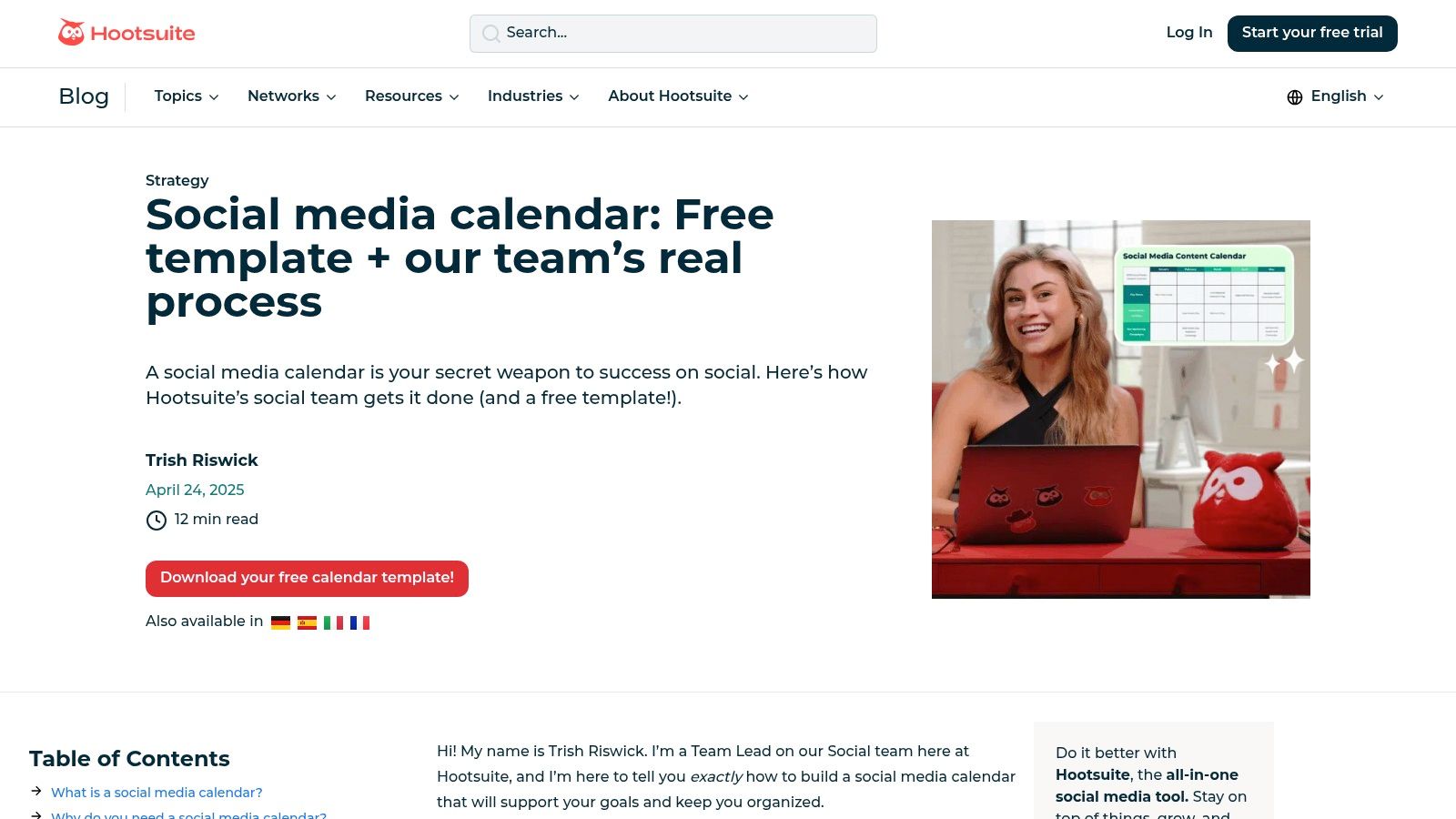
For teams seeking a no-cost, practical entry point into content planning, Hootsuite offers one of the most useful social media content calendar examples available. Instead of just providing a blank slate, their resource combines a free, downloadable template with a comprehensive guide that walks users through how their own social media team conceptualises and organises its content strategy. This blend of a ready-to-use tool and a real-world case study makes it an invaluable starting point.
The template is available as a Google Sheet or Excel file and can be downloaded instantly without requiring an email sign-up, a significant advantage for users who want immediate access. It features organised tabs for both monthly and weekly views, allowing for high-level strategic planning and detailed daily post-management.
Strategic Analysis and Key Takeaways
Hootsuite’s approach is fundamentally educational. By sharing their internal workflow, they demystify the process of populating a content calendar, offering insights that are immediately applicable.
- Actionable Framework: The guide doesn’t just show a finished product; it explains the why behind each step, from establishing a posting cadence to creating a content repository. This gives users a replicable framework, not just a template.
- Emphasis on Evergreen Content: A key takeaway is their system for managing an "evergreen content library," which ensures that high-performing posts can be easily revisited and repurposed. This is a crucial strategy for maintaining a consistent presence without constant content creation.
- Collaboration-Centric Design: The template includes columns for status updates (e.g., "Draft," "Awaiting Approval," "Scheduled"), making it clear that it's designed for team collaboration, even in its basic spreadsheet format. For a deeper dive into streamlining this process, you can find valuable insights on how to effectively schedule social media posts for your team.
Pros and Cons
| Pros | Cons |
|---|---|
| Completely Free: No cost or email required to access the templates. | Generic Format: Requires significant customisation to fit unique brand needs. |
| Example-Driven Guide: Provides concrete workflow examples, not just theory. | Manual Tool: Lacks the automation and integration of a dedicated software platform. |
| Multiple Formats: Available in both Google Sheets and Excel for flexibility. | Limited to Calendaring: Does not include analytics or publishing features. |
Ultimately, Hootsuite’s resource is an excellent educational tool disguised as a simple template. It’s ideal for small businesses, solo marketers, or students who need a structured, example-led introduction to the discipline of social media planning.
Visit the website: Hootsuite Social Media Calendar Template
3. HubSpot
For marketers and teams who value comprehensive documentation alongside a functional template, HubSpot provides one of the most robust social media content calendar examples available. More than just a simple spreadsheet, their offering is a complete kit designed to guide users from initial strategy to daily execution. It bundles multiple templates with in-depth user guides, making it an excellent resource for organisations that require structured planning tools.
The core of the offering is a downloadable Excel file, which also works seamlessly in Google Sheets. Accessing the template requires providing an email address via a short form. A key differentiator is its platform-specific approach, with organised tabs not just for monthly planning but also for managing a content repository and keeping track of updates across different social networks. The inclusion of localised German-language materials also makes it uniquely suitable for teams in DACH regions.
Strategic Analysis and Key Takeaways
HubSpot's approach is built on the principle of integration, treating the content calendar as a central hub for a wider social media strategy. The accompanying guides provide the context needed to use the tool effectively, transforming a simple document into a strategic asset.
- Platform-Specific Planning: The template includes dedicated sections and guidance for different social media channels. It reminds users to consider nuances like image sizes and character limits, encouraging a more tailored and effective approach rather than generic cross-posting.
- Content Repository Integration: A standout feature is the built-in content repository tab. This encourages users to think beyond a linear calendar, creating a library of approved content that can be pulled from at any time. This is a practical strategy for maintaining consistency and efficiency.
- Educational Onboarding: By bundling the calendar with guides, HubSpot ensures users understand the strategic thinking behind content planning. This educational component empowers teams to not just fill in blanks but to build a sustainable and goal-oriented social media workflow.
Pros and Cons
| Pros | Cons |
|---|---|
| Comprehensive Resource Kit: Includes multiple templates and detailed guides. | Email Gated: Requires submitting personal information to download. |
| Proven, Widely-Used Format: A trusted and tested layout used by marketers globally. | Static Tool: As a spreadsheet, it lacks the dynamic features of a software platform. |
| Localised for German Speakers: Offers specific resources for the DACH market. | Requires Manual Updates: All scheduling and tracking must be done by hand. |
Ultimately, HubSpot’s resource is ideal for marketing teams that need a free, yet highly structured, system. It's particularly powerful for those looking to establish clear processes and documentation for their social media efforts, bridging the gap between a basic template and a full-featured software solution.
Visit the website: HubSpot Social Media Content Calendar Templates
4. Notion Template Gallery
For teams already invested in the Notion ecosystem, the official template gallery offers some of the most powerful and customisable social media content calendar examples available. Rather than a static spreadsheet, Notion provides a dynamic, database-driven environment where calendars are just one view of a much larger content engine. This approach transforms a simple planner into an all-in-one workspace for ideation, drafting, approval, and archiving.
The templates, many of which are free or available for a low cost, can be duplicated into a user's workspace with a single click. This instant integration is a massive advantage, allowing users to immediately connect their calendar to other Notion pages like brand guidelines, creator databases, or campaign briefs. The platform’s flexibility allows for multiple database views, including traditional calendar layouts, Kanban boards for tracking progress, and tables for detailed overviews.
Strategic Analysis and Key Takeaways
Notion’s core strength is its unparalleled flexibility, treating content planning as an integrated part of a broader operational system rather than a standalone task. This methodology encourages a more holistic approach to content management.
- Integrated Content Hub: The key takeaway is the ability to create a central hub where every piece of content is a detailed database entry. This entry can contain the copy, visuals, target platform, approval status, and even performance metrics, linking everything in one place.
- Customisable Approval Workflows: Notion’s structure is ideal for building bespoke approval pipelines. Using status properties (e.g., "Idea," "Drafting," "In Review," "Approved"), teams can create Kanban board views that visually track each post's journey from concept to publication.
- All-in-One Asset Management: Unlike a spreadsheet, a Notion template can house the actual creative assets, notes, and collaborative discussions within the calendar entry itself. This minimises the need to switch between different tools for files, comments, and planning. To get the most out of this structure, it’s helpful to understand the fundamentals of how to create a content calendar that supports such a detailed workflow.
Pros and Cons
| Pros | Cons |
|---|---|
| Deeply Customisable: Can be adapted to fit any team’s specific workflow. | Learning Curve: Requires familiarity with Notion's database functions to use effectively. |
| All-in-One Solution: Combines planning, asset management, and collaboration. | Not a Dedicated Tool: Lacks native scheduling, publishing, and analytics integrations. |
| Seamless Integration: Instantly duplicates and integrates into an existing Notion workspace. | Can Become Complex: Over-customisation can lead to a complicated and unwieldy system. |
Ultimately, Notion's templates are best suited for marketers and teams who want to build a truly bespoke content operating system. It’s the ideal choice for those who value flexibility and an integrated workspace over the out-of-the-box automation of dedicated social media tools.
Visit the website: Notion Social Media Calendar Template
5. Canva
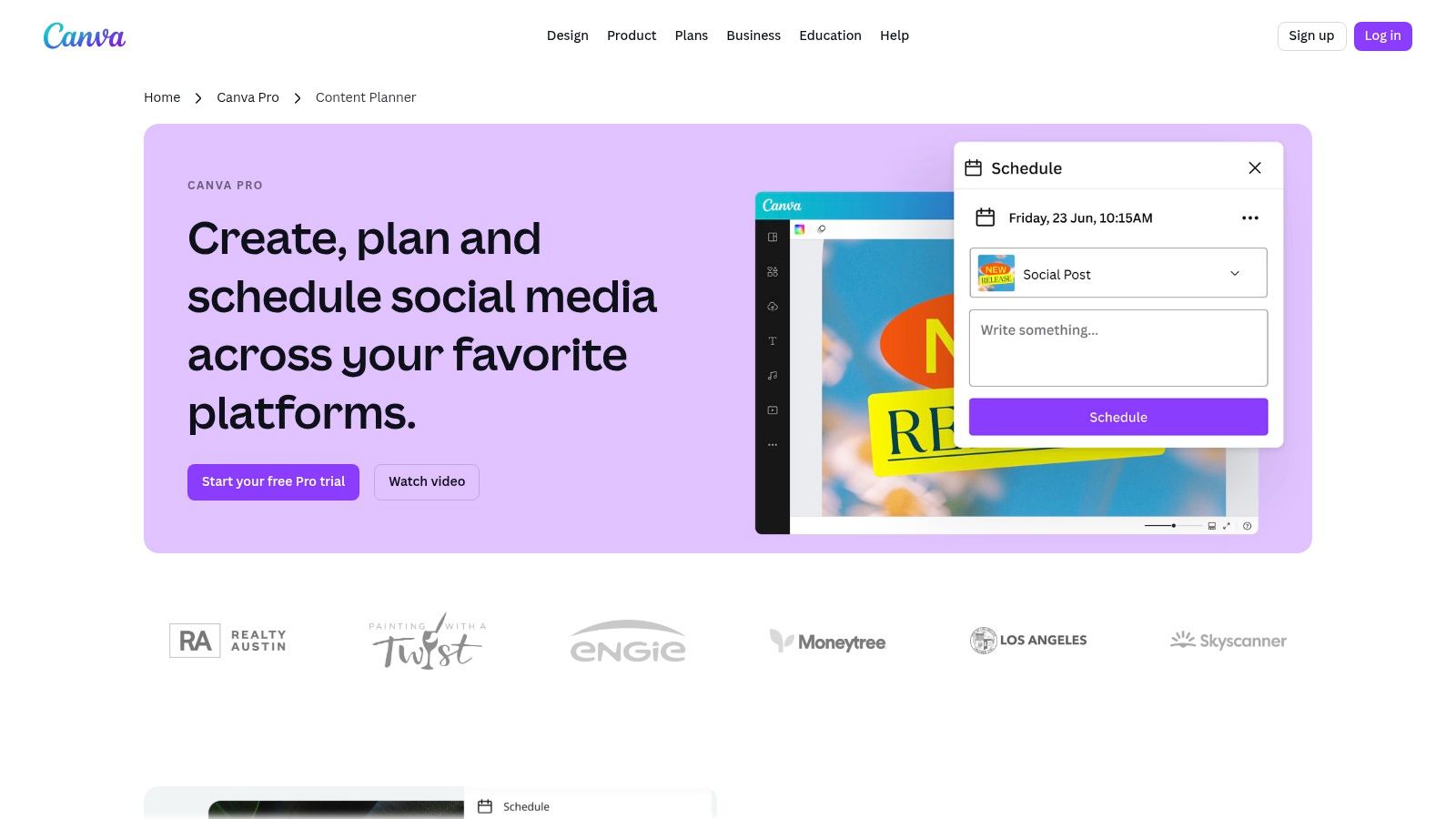
For creators and marketers who prioritise visual-first planning, Canva’s built-in Content Planner provides one of the most integrated social media content calendar examples available. It uniquely merges a powerful design suite with a functional scheduling tool, allowing users to move from content creation to publication within a single, streamlined interface. This all-in-one approach eliminates the need to download designs and re-upload them to a separate scheduling platform, saving significant time.
The Content Planner is a core feature of the Canva Pro subscription, presenting a clear, visual calendar where users can drag and drop their finished designs onto specific dates and times. It supports direct publishing to major platforms like Instagram, Facebook, Pinterest, and LinkedIn, making it a centralised hub for multi-channel campaign management.
Strategic Analysis and Key Takeaways
Canva's strength lies in its ability to close the gap between visual design and strategic scheduling. It encourages a workflow where the visual asset is the starting point of the planning process.
- Design-Led Workflow: The platform’s biggest advantage is its seamless integration. Users can design a post using thousands of templates, resize it for different platforms with the "Magic Switch" tool, and schedule it without ever leaving the app. This fosters a highly efficient, visual-centric planning process.
- Template-Driven Consistency: By providing a massive library of customisable templates, Canva helps teams maintain brand consistency across all scheduled posts. For those with advanced design skills, if you are designing custom content calendar templates, you might even consider exploring platforms where you can learn how to sell Canva templates on Etsy.
- Centralised Asset Management: All designs are stored within Canva, creating an organised content library that is directly linked to the calendar. This makes it easy to find, repurpose, and reschedule high-performing visual content.
Pros and Cons
| Pros | Cons |
|---|---|
| Seamlessly integrates design and scheduling: An all-in-one, efficient workflow. | Requires Paid Subscription: The Content Planner is exclusive to Canva Pro users. |
| Extensive template library: Speeds up content creation for diverse platforms. | Lacks Advanced Features: Not as robust for analytics or team approvals as dedicated tools. |
| Visual-first interface: Highly intuitive for planning visual campaigns. | Occasional Glitches: Some users report occasional calendar or connection issues. |
In summary, Canva's Content Planner is an excellent choice for solo entrepreneurs, small business owners, and social media managers who handle both design and scheduling. It is ideal for those who value efficiency and want a visually intuitive tool to manage their entire content lifecycle from concept to publication.
Visit the website: Canva Content Planner
6. Adobe Express
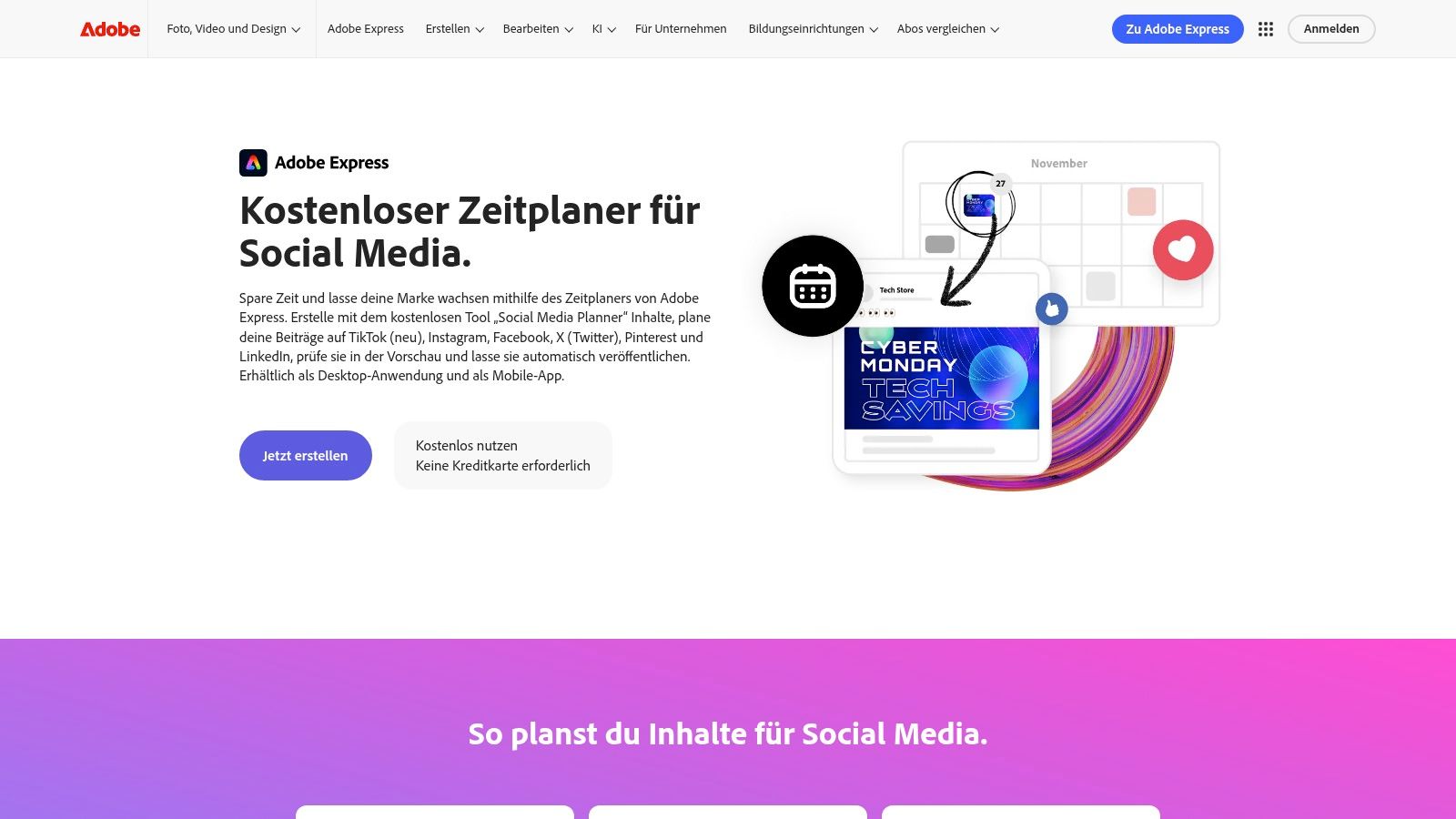
For creators and small businesses already invested in the Adobe ecosystem, Adobe Express provides one of the most visually integrated social media content calendar examples available. It moves beyond a simple spreadsheet by offering a dynamic, drag-and-drop content scheduler that is directly connected to a powerful design suite. This combination of planning, creation, and scheduling within a single platform makes it a highly efficient tool for managing a brand's visual presence.
The planner features weekly and monthly calendar views, allowing users to schedule, preview, and auto-publish content directly to TikTok, Instagram, Facebook, X, Pinterest, and LinkedIn. Its seamless integration with Adobe's creative tools means users can design a graphic or video and immediately place it on the calendar for a specific time, streamlining the entire content workflow from concept to publication.
Strategic Analysis and Key Takeaways
Adobe’s strategy centres on providing an all-in-one content creation and management hub. The calendar is not just a planner; it is the final step in a unified creative process, which offers unique advantages for visually-driven brands.
- Design-First Workflow: Unlike standalone schedulers, Adobe Express encourages a design-centric approach. Users can ideate, create using Adobe's vast library of templates and assets, and schedule without ever leaving the platform. This reduces friction and saves significant time.
- Visual-Heavy Platform Integration: The scheduler’s direct connection to visually dominant platforms like Instagram, TikTok, and Pinterest is a key strength. The ability to preview exactly how a post will look on each platform ensures brand consistency and visual appeal.
- Accessible Entry Point: The free plan, though limited, allows users to test the full design-to-schedule workflow. This "try before you buy" model is an effective way to demonstrate the value of its integrated ecosystem before asking for a commitment to a premium plan.
Pros and Cons
| Pros | Cons |
|---|---|
| Seamless Design Integration: Natively connects content creation with scheduling. | Strict Free Plan Limits: The free tier only allows 2 scheduled posts per calendar month. |
| Intuitive Visual Interface: Drag-and-drop calendar is easy to learn and use. | Requires Premium for Volume: Meaningful scheduling requires a paid subscription. |
| Multi-Platform Support: Connects to all major social networks, including TikTok. | Fewer Advanced Analytics: Focuses more on creation and scheduling than in-depth reporting. |
Ultimately, Adobe Express is the ideal solution for solo creators, designers, and small businesses that prioritise high-quality visual content. Its strength lies in its ability to merge the creative process with social media planning, offering a streamlined and efficient workflow that other calendar tools cannot replicate.
Visit the website: Adobe Express Content Scheduler
7. Etsy
For those who prefer a ready-made aesthetic or a highly specialised structure, Etsy serves as a vast marketplace of social media content calendar examples created by independent designers. Unlike a single software provider, Etsy offers thousands of unique, instantly downloadable templates in various formats like Google Sheets, Notion, and Canva. This makes it an ideal destination for finding an affordable, visually appealing, and often highly customised planning solution.
The platform's strength lies in its sheer variety. Users can find everything from minimalist weekly planners to comprehensive content systems complete with hashtag libraries, analytics trackers, and content pillar organisers. Many sellers also provide added value, such as tutorial videos or lifetime updates, making their products exceptionally practical. The user-driven review system helps buyers gauge the quality and usability of a template before purchasing.
Strategic Analysis and Key Takeaways
Etsy’s offerings cater to the creator economy, providing tools that are not only functional but also designed to streamline specific workflows and content niches.
- Niche-Specific Solutions: Sellers often create calendars tailored to specific industries like real estate, coaching, or e-commerce. This provides users with a pre-built framework that already incorporates relevant content pillars and prompts, saving significant setup time.
- Emphasis on Batching and Systems: Many templates are designed around the concept of content batching. They include dedicated sections for brainstorming, drafting, and organising assets, encouraging a more efficient and systematic approach to content creation.
- Aesthetic and Functional Integration: A key advantage is the integration with platforms like Canva and Notion. This allows users to manage their planning and creative processes within a single, visually cohesive environment, which is a significant step up from a basic spreadsheet.
Pros and Cons
| Pros | Cons |
|---|---|
| Highly Cost-Effective: Access to professionally designed templates at a low, one-time cost. | Quality Varies: The quality and support depend entirely on the individual seller. |
| Immense Variety: A massive selection of styles, formats, and niche-specific designs. | Potential for Hidden Costs: Some templates may require subscriptions to other tools (e.g., Canva Pro). |
| Instant Access: Digital downloads are available immediately after purchase. | Limited to No Automation: These are manual tools that lack scheduling or analytics integrations. |
Ultimately, Etsy is the perfect resource for solopreneurs, creators, and small businesses who want a beautiful and functional calendar without the commitment of a monthly software subscription. It empowers users to find a system that perfectly matches their workflow, brand aesthetic, and specific strategic needs.
Visit the website: Etsy Social Media Planner Examples
Social Media Content Calendar Tools Comparison
| Product | 🔄 Implementation Complexity | ⚡ Resource Requirements | 📊 Expected Outcomes | 💡 Ideal Use Cases | ⭐ Key Advantages |
|---|---|---|---|---|---|
| Repostly | Medium – requires setup for multi-platform automation | Moderate – subscription needed | High – average 300% reach increase in 1 month | Businesses & creators managing multiple social platforms | Cross-platform automation, time-saving, unified analytics |
| Hootsuite (Calendar Template) | Low – ready-to-use template, minimal setup | Low – free downloadable template | Medium – depends on user customization | Individuals or small teams needing a simple starter plan | Free, example-driven, no sign-up needed |
| HubSpot | Medium – form submission for download | Low to moderate – free with email | Medium – structured, localized planning | Marketing teams, especially in DACH regions | Comprehensive templates, localized content |
| Notion Template Gallery | Medium – requires familiarity with Notion | Low – free or low cost templates | Medium – flexible workflows and approvals | Teams wanting customizable, integrated workspace | Easy duplication, flexible database views |
| Canva | Medium to High – requires Canva Pro subscription | Moderate – paid subscription needed | Medium to High – combines design & scheduling | Visual content creators needing design & scheduling tools | Design and scheduling in one app, rich template library |
| Adobe Express | Low to Medium – drag-and-drop interface | Low – free tier with limited posts | Low to Medium – limited free post scheduling | Casual users testing scheduling workflows | Free tier available, multi-platform integration |
| Etsy | Low – instant download, no setup needed | Low to moderate – paid templates | Variable – depends on chosen template quality | Users looking for affordable, diverse calendar styles | Cost-effective, wide variety, tutorial videos |
From Planning to Performance: Your Next Steps
We have explored a diverse range of social media content calendar examples, from powerful all-in-one platforms to highly customisable templates. This journey has made one thing clear: a content calendar is far more than a simple schedule. It is the strategic blueprint for your brand's digital voice, ensuring every post is purposeful, consistent, and aligned with your overarching goals.
We saw how comprehensive tools like Hootsuite and HubSpot offer robust, team-oriented solutions, while platforms like Canva and Adobe Express integrate visual creation directly into the planning process. We also looked at the infinite flexibility of Notion templates and the accessible simplicity of custom-built spreadsheets, proving there is a perfect fit for every workflow and budget. The key takeaway is that the 'best' calendar is not the most complex one; it is the one you will consistently use.
Turning Inspiration into Action
The examples in this article serve as a launchpad, not a rigid set of rules. Your next step is to move from passive learning to active implementation. The most effective way to do this is to choose the approach that resonates most with your current needs and commit to it.
- Identify Your Core Need: Are you a solo creator focused on visuals (Canva)? A data-driven marketer needing deep analytics (HubSpot)? Or a small team craving a centralised, customisable hub (Notion)?
- Select One Tool: Choose the single example from our list that best aligns with your team size, budget, and primary goals. Don't try to implement multiple systems at once.
- Commit to a Trial Period: Dedicate the next 30 days to using your chosen calendar. Populate it, follow it, and track your results. This focused trial will provide clear insights into what works for you and what doesn't.
From Organised to Optimised
An organised plan is the first step, but true social media success comes from optimisation. It's about understanding what content resonates, when your audience is most engaged, and how your efforts translate into tangible results like follower growth, website clicks, and sales. This is where moving from a static calendar to a dynamic, analytics-driven platform becomes a game-changer.
Ultimately, your social media content calendar should evolve with your strategy. Start with the tool that gets you organised today, but keep an eye on the solution that will help you grow tomorrow. By translating your organised plan into a high-performance strategy, you transform your social media from a daily task into a powerful engine for business growth.
Ready to move beyond basic scheduling and unlock data-driven growth? Repostly integrates a powerful content calendar with advanced analytics, helping you turn your organised plan into measurable performance. See how our streamlined workflow can help you save time and increase your reach. Start your free trial today.
Keep reading

10 Fresh Instagram Story Idea Tactics for 2025
Stuck for content? Discover our top Instagram story idea list, with actionable tips to boost engagement and grow your audience in 2025.

A Practical Social Media Planner for German Markets
Build a results-driven social media planner for Germany. This guide offers actionable strategies for content, scheduling, and analysis in the German market.

Crafting Your Social Media Content Plan
Stop guessing and start strategizing. This guide provides an actionable social media content plan to audit, plan, and execute content that gets results.
Post once. Show up everywhere.
Start your 7-day free trial and publish your next video to every platform in minutes.Pick a plan and publish your next video to every platform in minutes.
Start your free trialSee plansCancel anytime