Schedule Social Media Posts for Free — Easy & Fast Tools
Learn how to schedule social media posts for free with our simple guide. Save time and grow your audience today!

Let's get real for a moment. Scheduling your social media isn't just about saving a few hours here and there. It's about building a consistent, professional brand that keeps your audience hooked, even when you're swamped with other work. Learning how to schedule social media posts for free can genuinely transform what feels like a daily chore into a smart growth strategy.
Why Smart Scheduling Is More Than Just a Timesaver
A well-planned posting schedule can do wonders for your organic reach and how well people remember your brand. This isn't just some productivity trick; it's a core strategy for growth, especially if you're a small business or creator where every single post needs to pull its weight.
Think about a local café in Berlin. They need to get their daily lunch specials in front of hungry customers right before noon, but they can't stop serving to post on Instagram. That's precisely where scheduling comes in.
This infographic shows exactly how a café manager can keep their brand visible and save precious time with a bit of planning.
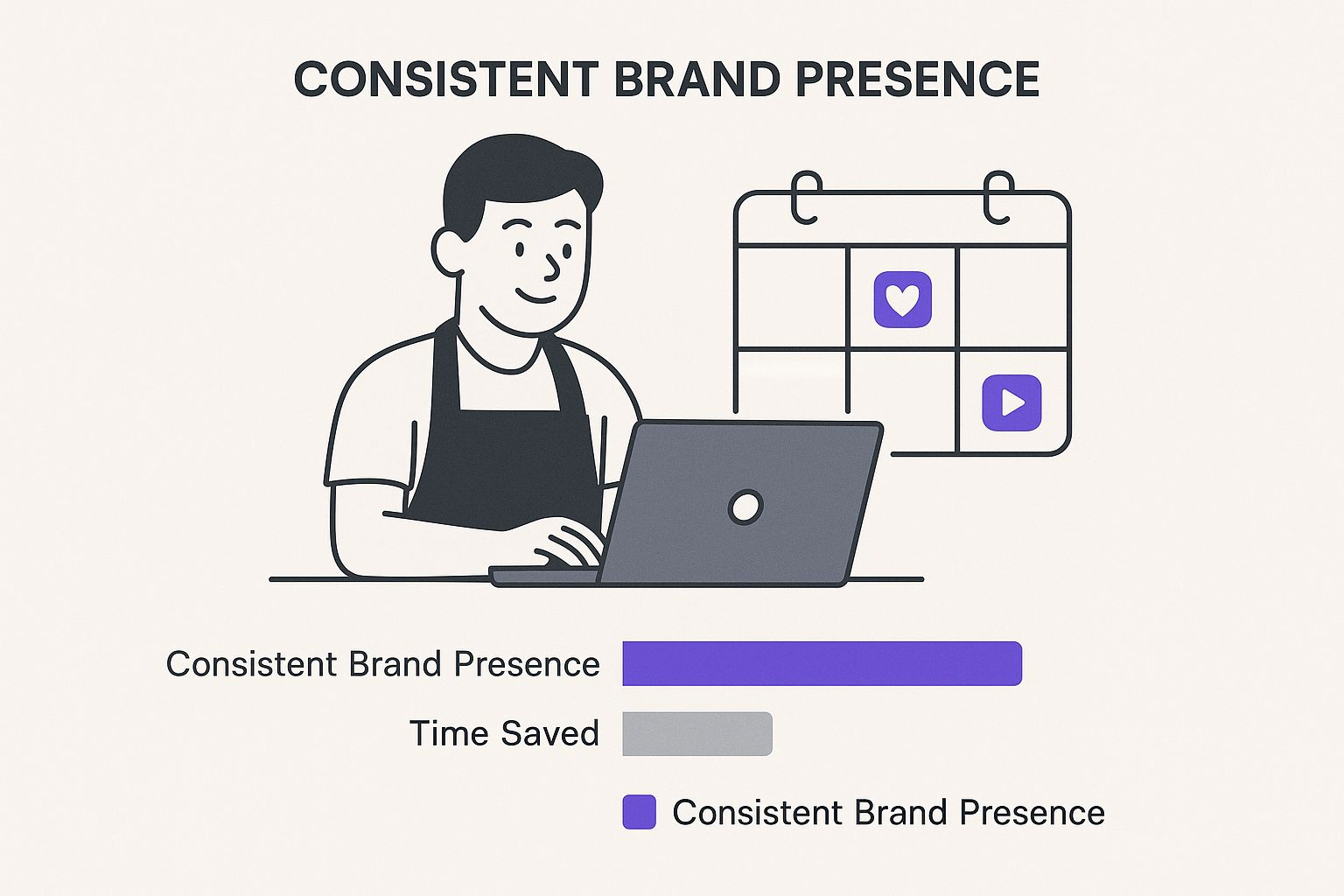
The big takeaway? Automation frees you up to actually talk to customers and run your business, all while your marketing hums along perfectly in the background.
The Strategic Edge of Consistency
Consistency is everything on social media. When your followers know they can expect great content from you at certain times, they're far more likely to look for it and engage. Scheduling helps you keep that rhythm going without being glued to your phone 24/7.
This approach gives you a real strategic advantage:
- Improved Brand Recall: Posting regularly keeps your brand at the front of people's minds.
- Enhanced Audience Engagement: Hitting those peak activity times means more likes, comments, and shares.
- Better Time Management: You can create and schedule a week's worth of content in one go, freeing up your schedule for other important tasks. We dive deeper into this in our guide on social media time management.
In Germany alone, there were about 65.5 million active social media users at the start of 2025. For marketers, scheduling is the only realistic way to engage with such a massive audience consistently. In fact, some studies suggest that posting at the right time can boost your impressions by as much as 30%. You can check out the full details in DataReportal's Digital 2025 report.
Of course, all of this relies on a solid plan. A well-thought-out content calendar is the foundation of any good scheduling strategy, ensuring your posts are always relevant and timely. It’s worth taking the time to get this right by creating an effective social media content calendar.
Picking the Right Free Social Media Scheduling Tool
Finding a free tool to schedule your social media posts can feel like a whole job in itself. There are so many options out there, all promising to make your life easier. The trick is to cut through the noise and figure out what you actually need.
Are you a solo creator focused purely on Instagram? Or are you a small business juggling a Facebook Page, a LinkedIn profile, and an X account? Your answer really dictates where you should start.
You’ve got two main routes to go down: using the schedulers built right into the social media platforms themselves, or trying out a third-party tool that wrangles all your accounts into one place. Both have their pros and cons.
Native Schedulers vs. Third-Party Tools
Let's start with the native tools, like Meta Business Suite for Facebook and Instagram. These are surprisingly powerful and, best of all, completely free. They're built by the platform, so the integration is seamless—you get deep analytics and all the latest features that third-party tools might be slow to get.
The big catch? They only work for their own little ecosystem. So, if you're also posting on LinkedIn, you'll have to log in and schedule your content there separately. This completely defeats the purpose if your goal is to save time and manage everything from a single dashboard.
That’s where third-party tools come to the rescue. Many offer generous "freemium" plans that let you connect a few different social profiles. Suddenly, you can see and manage your entire content calendar in one spot, which is a massive timesaver. A great example is Buffer; its free plan lets you connect up to 3 channels and schedule 10 posts per channel. It's a fantastic starting point.
My Two Cents: If you live and breathe on platforms within the same family (like Facebook and Insta), stick with a native scheduler to start. But if you’re juggling three or more different networks, a third-party tool's free plan is almost always the smarter, more efficient choice.
To give you a clearer picture, let's look at some of the most popular free options. If you want an even more detailed breakdown, check out our full guide to the best social media scheduling tools, which covers paid solutions as well.
Free Social Media Scheduling Tool Comparison
Here's a quick look at the top free options to help you see which one might be the best fit for your workflow right now.
| Tool/Platform | Supported Platforms | Free Plan Limitations | Best For |
|---|---|---|---|
| Meta Business Suite | Facebook, Instagram | Only supports Meta platforms. No third-party integrations. | Businesses and creators who are all-in on Facebook and Instagram. |
| Buffer (Free Plan) | Most major platforms | 3 social channels, 10 scheduled posts per channel at a time. | Individuals or small teams just starting to manage a multi-platform presence. |
| Later (Free Plan) | Instagram, Facebook, TikTok, etc. | 1 "Social Set" (1 of each platform), 1 user, 10 posts per platform. | Visual-first creators, especially those who plan their Instagram grid meticulously. |
Honestly, the best way to figure out what works for you is to just jump in and try one or two. Since they’re free, you’ve got nothing to lose. Don't forget, Repostly also offers a free trial—it’s a great way to experience how a more comprehensive tool can really pull your entire social media strategy together before you commit.
How to Schedule Posts Directly on Social Platforms
Sometimes, the best tools are the ones you already have. Before you start looking at third-party apps, it’s a smart move to get the hang of the free scheduling features built right into the platforms you use every day. If you’re focused on Facebook and Instagram, that means getting comfortable with Meta Business Suite.
Meta's own tool is surprisingly powerful, letting you manage everything for both platforms from one central dashboard. It’s completely free, and it often has a few tricks that other tools don’t, like detailed audience insights and the ability to schedule Stories without a hitch.
Knowing how to schedule your posts for free using these native tools is a fundamental skill. It's especially useful in regions like Germany, where the 25 to 34 age group alone makes up 12.7 million Facebook users. By scheduling your content, you can make sure you’re hitting this key demographic when they're most active, which isn't always during your 9-to-5. You can dig into more German social media usage trends on statista.com if you're curious.
Getting Started with Meta Business Suite
First things first, you'll need to make sure your Instagram business account and your Facebook Page are connected inside Meta Business Suite. Once that's sorted, navigate to the "Planner" or "Content" tab—this is where the magic happens.
From here, you can create a new post, Reel, or Story. The workflow is pretty intuitive:
- Add your creative: Just upload the photo or video you want to share.
- Write your copy: Draft your caption, throw in your hashtags, and tag any relevant accounts.
- Customise for each platform: You’ll notice options to adjust the post for Facebook and Instagram. This is brilliant for tweaking a caption or changing up the tags to fit each audience.
Once your content is ready, don't just hit "Publish." Instead, click the little arrow next to it and choose "Schedule." A calendar will appear, and here's the best part: it often suggests times based on when your followers were most active over the past week. That data-driven insight is a huge advantage of sticking with the native tool.
Key Takeaway: Pay close attention to the "Optimal Times" feature in Meta Business Suite. It analyses your account's unique data to recommend the best posting times for maximum reach, taking all the guesswork out of your strategy.
You can even use the Planner’s calendar view to see your entire content plan at a glance. It's a great way to spot any gaps in your schedule and maintain a consistent posting cadence. For a more detailed look at scheduling visual content, check out our guide on how to schedule Instagram Stories. Mastering these built-in tools is the perfect first step toward building a smarter, more efficient social media workflow.
Using Third-Party Tools for Ultimate Efficiency
While the native schedulers are great in a pinch, they have one major flaw: they keep you siloed. Juggling multiple social networks, each in its own tab, quickly turns into a disorganised mess. This is exactly where free third-party tools come in, pulling all your channels together under one roof.
Imagine seeing your LinkedIn, X (formerly Twitter), and Facebook content laid out in a single, unified calendar. That's the real magic of tools like Buffer or SocialPilot. You're no longer hopping between platforms. Instead, you can map out your entire content strategy from one central command centre.
This kind of efficiency is becoming non-negotiable, especially in a competitive space like Germany. The German social media market is expected to hit around $250 million in 2025 and grow to $362 million by 2033. To stand out, you need to be smart and consistent with your posting, which is precisely what these tools help you do, even on a tight budget. You can dig deeper into Germany's social media market trends from mintel.com to see why this matters.
A Practical Workflow Example
Here’s a workflow I’ve used for years that saves a ton of time. Forget drafting posts directly in the scheduling tool. Instead, open up a simple Google Sheet.
Set up columns for the post date, the copy itself, which social network it’s for, and a link to your image or video (I usually keep these in a shared Google Drive folder).
Insider Tip: Drafting everything in a spreadsheet first is a game-changer. It helps you focus on the content without the distraction of the social media dashboard. You can easily spot gaps, check for variety, and get team feedback before anything goes live.
Once your content plan is ready in the spreadsheet, you just export it as a CSV. Most good third-party tools have a bulk scheduling feature that lets you upload this file. In a couple of clicks, your entire week or month of content is loaded and ready to go. This "batching" technique transforms a daily chore into a focused, once-a-week task.
Understanding Free Plan Limitations
Now, let's be real about what "free" means. The free plans from most third-party platforms are designed to give you a taste of what’s possible, hoping you’ll eventually upgrade.
You'll typically run into some common restrictions:
- Limited Social Accounts: Most free plans let you connect three profiles, sometimes fewer.
- A Cap on Scheduled Posts: You might only be able to queue up 10 posts per channel at a time.
- Basic Analytics: You'll get top-level numbers, but the deep-dive insights are usually reserved for paying customers.
These free plans are absolutely brilliant for getting started. But as your brand grows and your social strategy becomes more complex, you'll likely hit those limits.
That’s the perfect moment to take a free trial for a spin. Something like the Repostly free trial lets you test-drive all the advanced features—like unlimited scheduling and robust analytics—so you can see for yourself if the investment is worth it for your business.
Common Scheduling Mistakes and How to Avoid Them
When you start scheduling social media posts for free, you quickly realise the challenge isn’t just about filling up a calendar. It’s about making sure your automated content still connects with people and actually drives results.
One of the most common traps is the ‘set it and forget it’ mentality. It’s tempting to queue up a month’s worth of content, pat yourself on the back, and then completely tune out. The problem? You end up ignoring the comments, questions, and messages that come flooding in.
This hands-off approach is an engagement killer. Social media is meant to be a conversation, and while automation can handle the broadcasting, it can't handle the interaction. If you’re not there to reply, your audience will eventually stop trying to talk to you.
Another mistake I see all the time is posting the exact same message everywhere. A caption that’s perfectly crafted for the professional tone of LinkedIn is going to feel stiff and out of place on Instagram or TikTok. Each platform has its own language and audience expectations.
Key Takeaway: Real efficiency isn’t about copying and pasting. It’s about tailoring your core message to fit the unique vibe of each platform. That’s how you get maximum impact.
Failing to Adapt to the Moment
Finally, scheduling content too far into the future can make your brand seem completely out of touch. If a major world event happens or a new trend takes over the internet, your pre-planned promotional post can look seriously tone-deaf.
The trick is to build some breathing room into your content calendar.
- Do weekly check-ins: Take a few minutes each week to look over what’s scheduled to go out. Is it still relevant? Does it still feel right?
- Leave some gaps: Don't book your calendar solid. Intentionally leave a few empty slots so you have the flexibility to jump on timely, reactive content when it matters.
This balanced approach keeps your brand present and relevant. For anyone juggling multiple profiles, an expert guide to managing multiple Instagram accounts often reinforces why having an efficient workflow is so critical.
A Few Common Questions
People often ask if it's really possible to schedule social media posts without paying a penny. The short answer is yes, absolutely—but it comes with a few catches.
You can use the built-in tools like Meta Business Suite completely free for Facebook and Instagram. For broader reach, many third-party apps offer free plans that let you manage several networks (think LinkedIn or X) from one spot. The catch? These free plans usually have limits, like how many accounts you can link or a cap on your monthly scheduled posts.
Native Schedulers vs Third-Party Tools: Which is Right for You?
So, should you stick with the platform's own tools or go for a third-party app? It really boils down to your specific workflow.
If your world revolves around Facebook and Instagram, Meta's own scheduler is a fantastic, no-cost option. It's robust and gets the job done. But, the moment you start juggling multiple platforms, hopping between different apps becomes a real time-sink. That's where a good third-party tool becomes a lifesaver.
A common myth is that scheduling posts kills your engagement. That’s just not true. What actually hurts engagement is posting on autopilot and then disappearing. As long as you’re sharing valuable content and engaging with your audience, scheduling is just a smart way to stay consistent.
Ready to stop juggling tabs and manage your entire social media presence from one simple dashboard? Give Repostly a try and see just how much time you can get back.
Keep reading

10 Fresh Instagram Story Idea Tactics for 2025
Stuck for content? Discover our top Instagram story idea list, with actionable tips to boost engagement and grow your audience in 2025.

A Practical Social Media Planner for German Markets
Build a results-driven social media planner for Germany. This guide offers actionable strategies for content, scheduling, and analysis in the German market.

Crafting Your Social Media Content Plan
Stop guessing and start strategizing. This guide provides an actionable social media content plan to audit, plan, and execute content that gets results.
Post once. Show up everywhere.
Start your 7-day free trial and publish your next video to every platform in minutes.Pick a plan and publish your next video to every platform in minutes.
Start your free trialSee plansCancel anytime